Plex, Jellyfin and IPTV. One app for all of it.
The servers you run and the playlist you pay for, in one library with one search and a real guide. No account to make.

- Plex & Jellyfin
- M3U & Xtream
- XMLTV EPG
- Dolby Vision
- Dolby Atmos
- Apple TV, iPhone, iPad and Mac
Start with your setup. The app is the same.
Every server, one library.
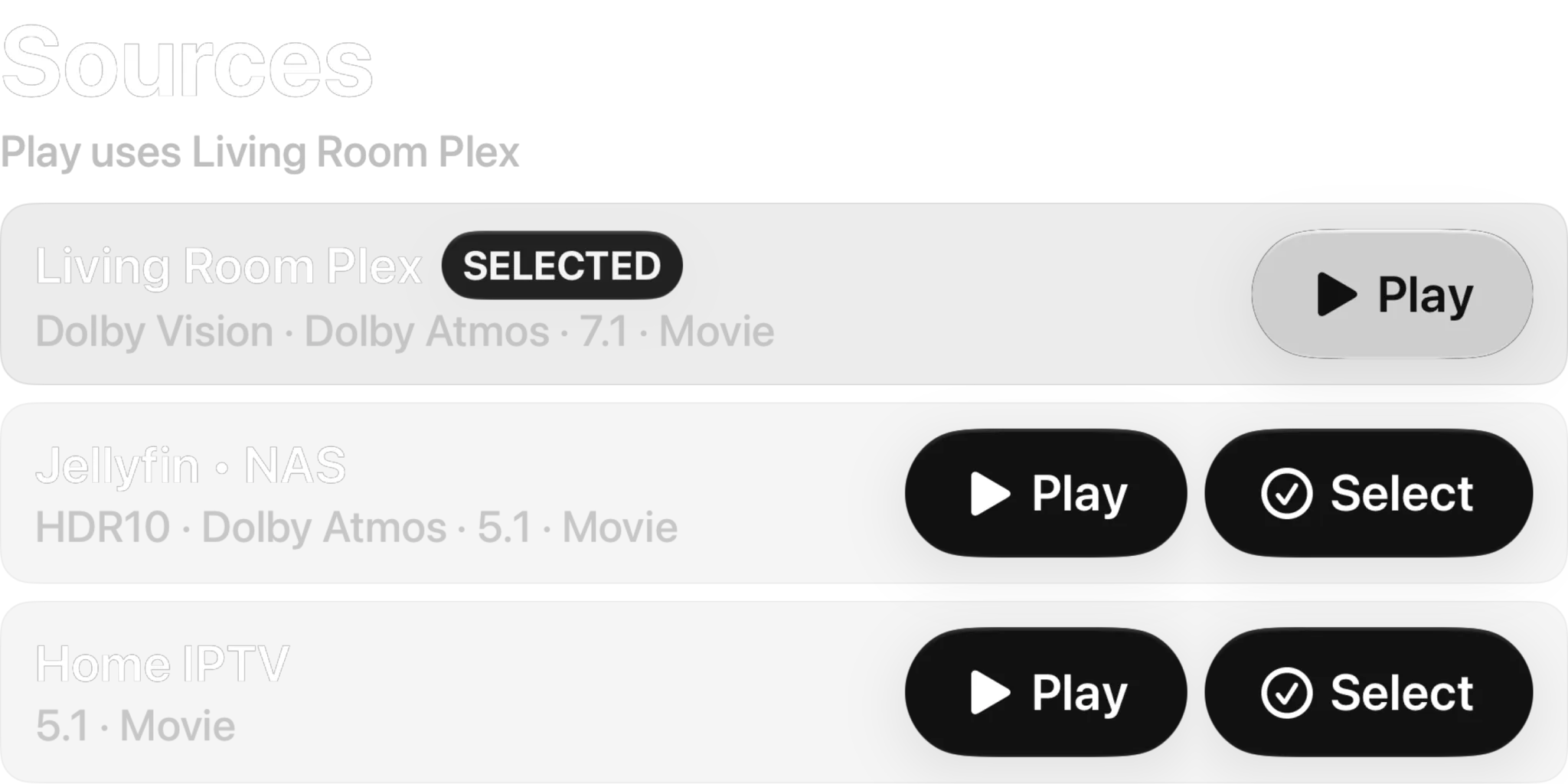
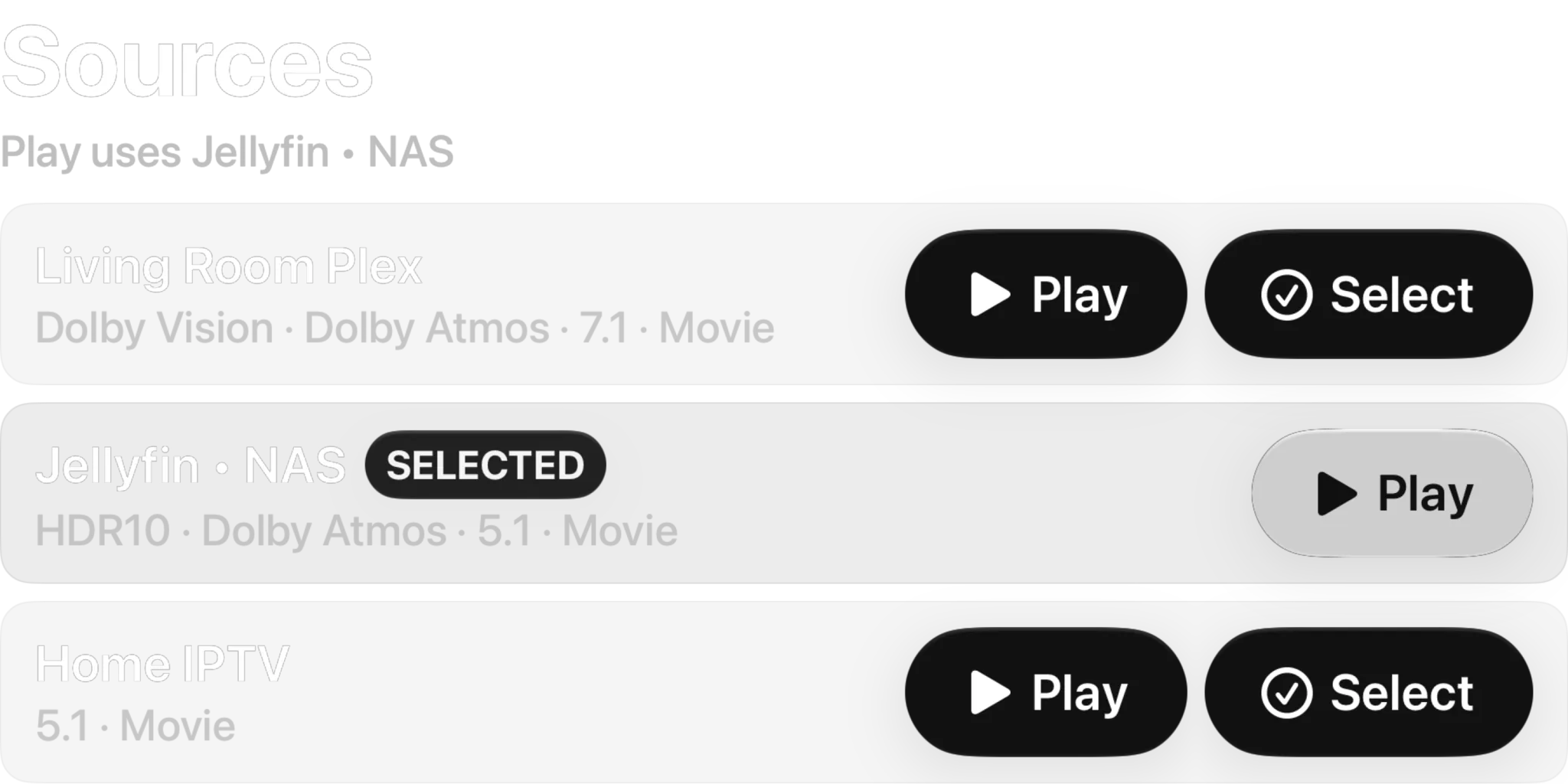
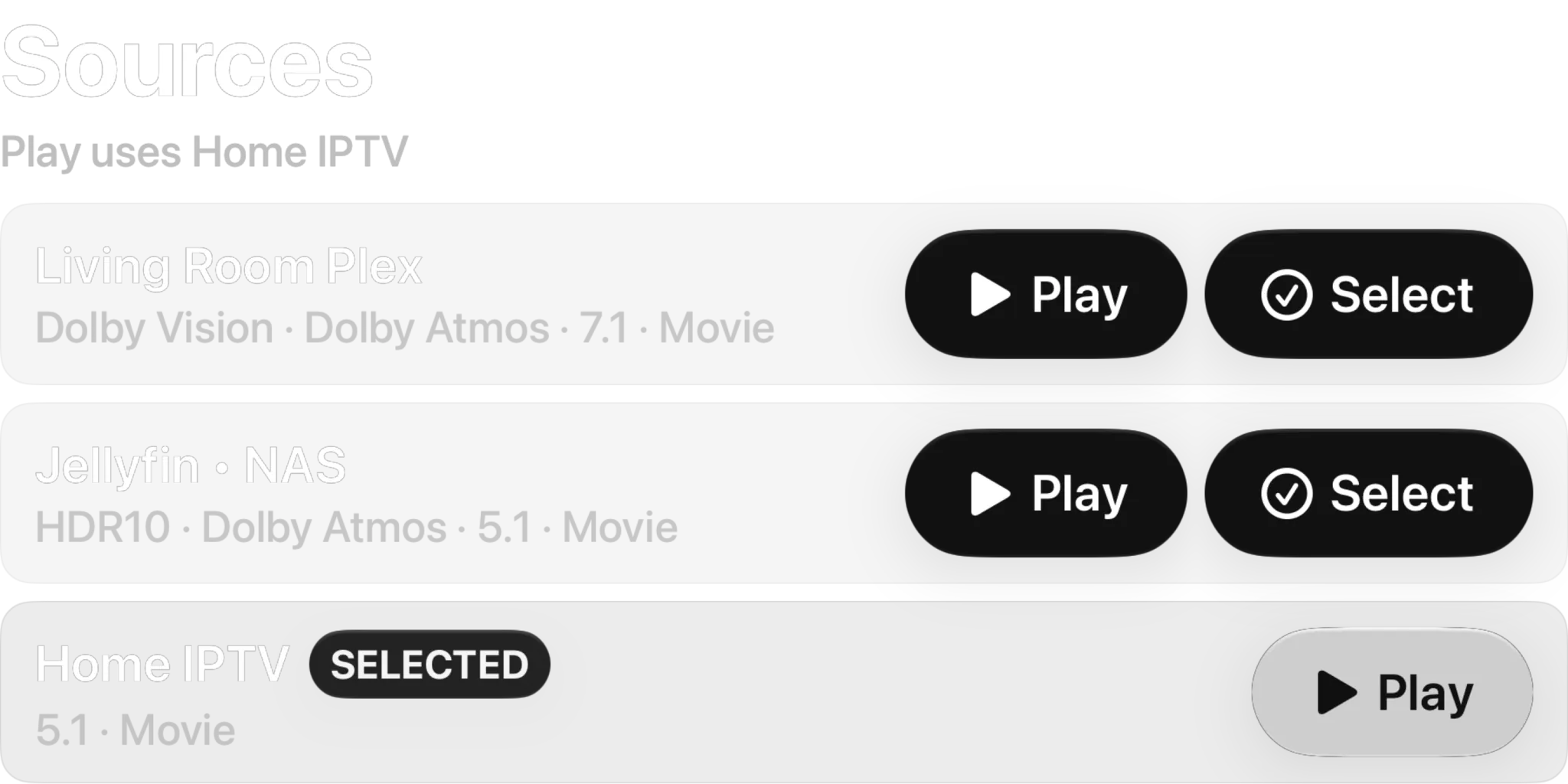
Sign into every Plex and Jellyfin server you run and they show up as one library. A film that sits on two servers shows up once, and it plays from the server you put first.
- Up to 2 sources running at once on the free tier, unlimited with a subscription
- Duplicates merged, played from the source you put first
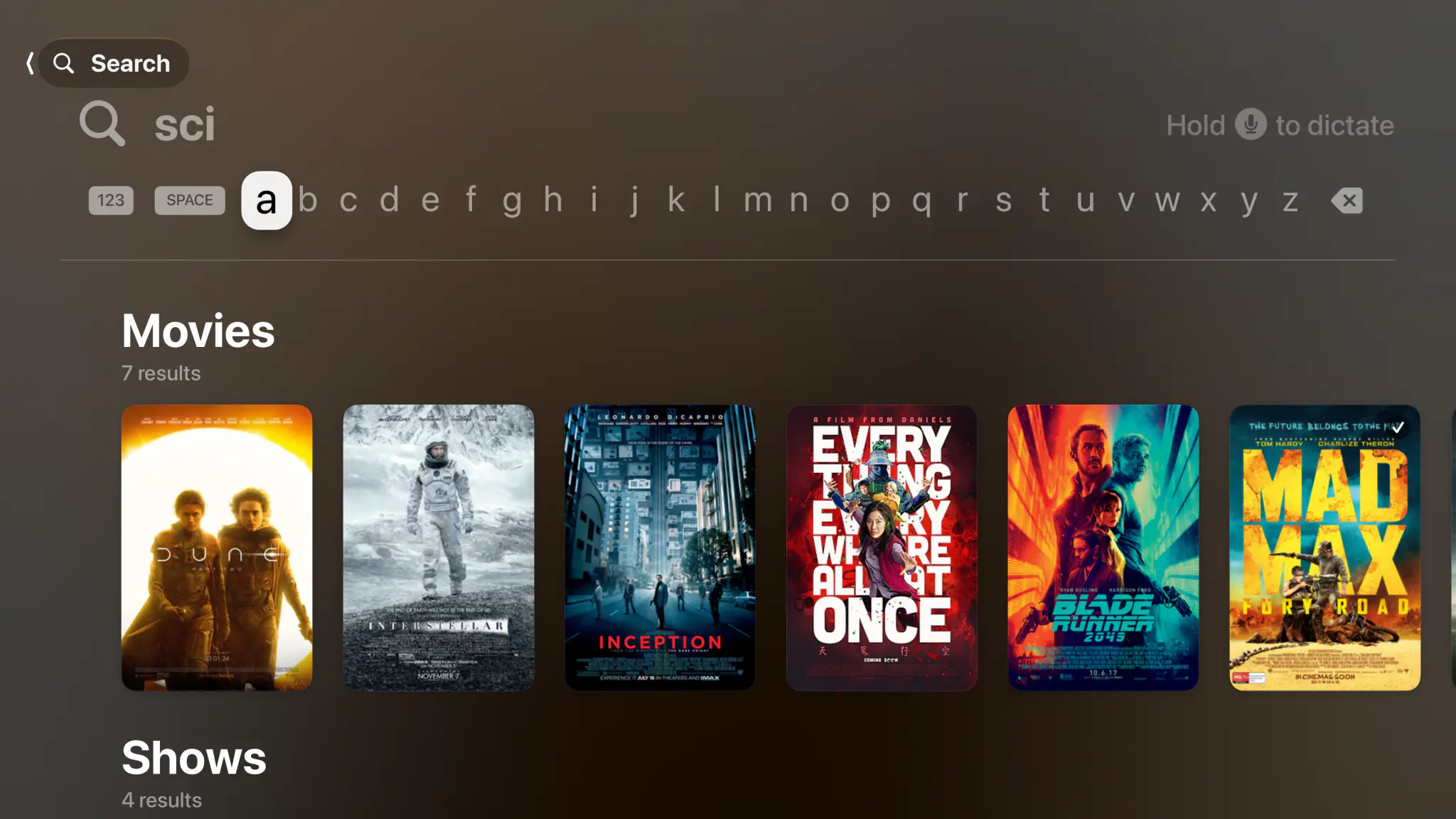
- One search across movies, shows, episodes and channels
- Progress and watched state written back to your server
See it the way you will see it.
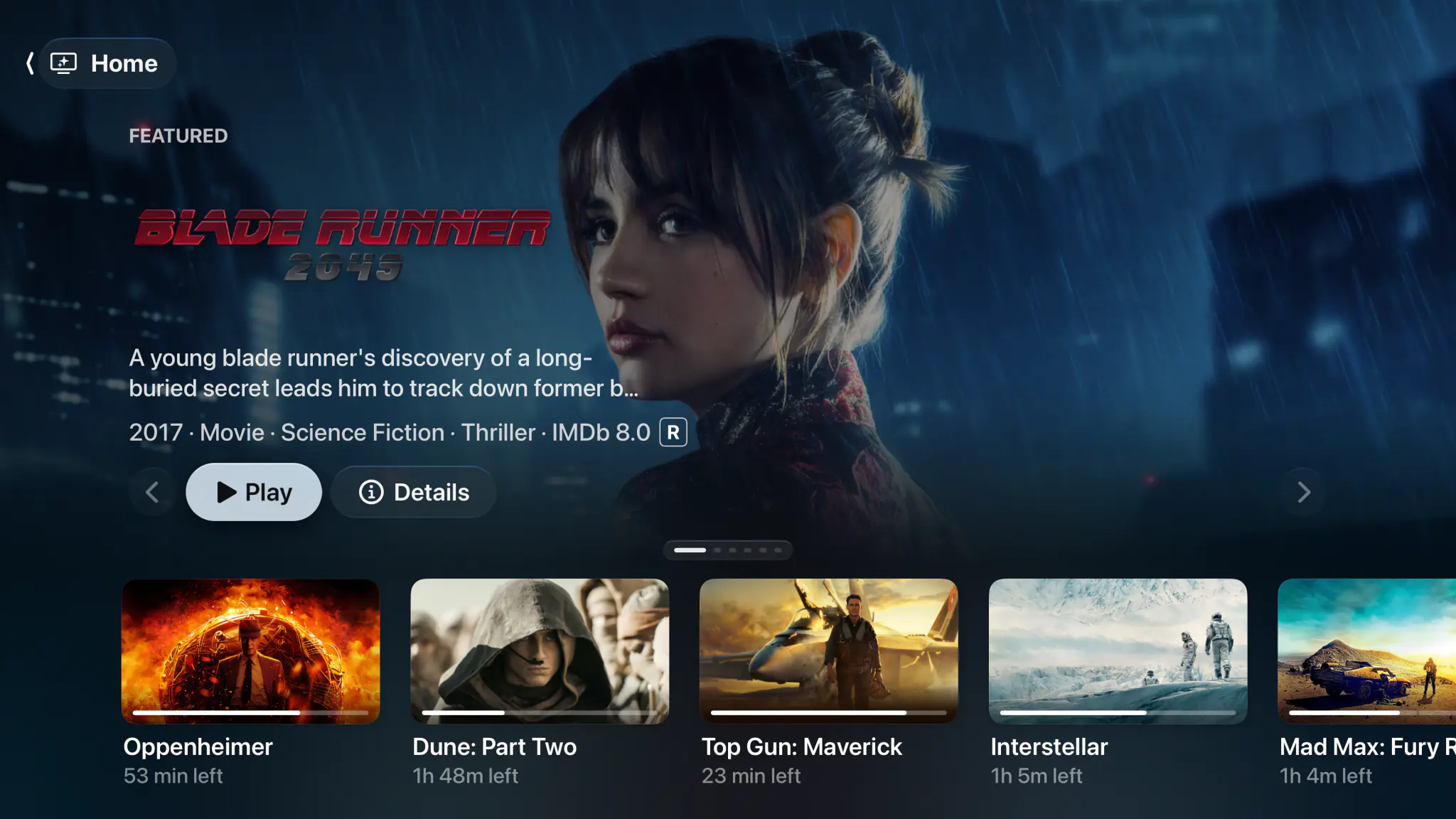
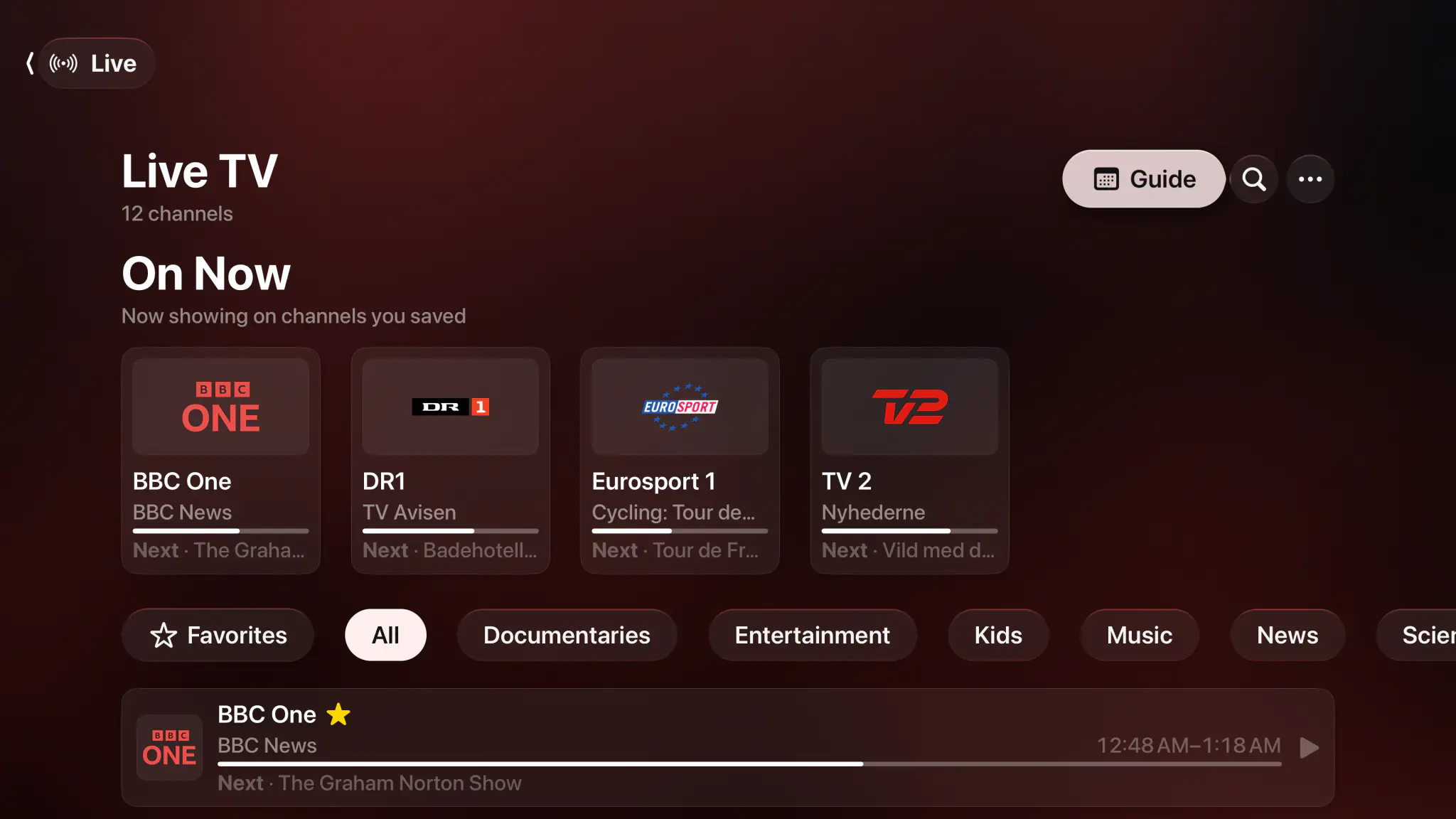
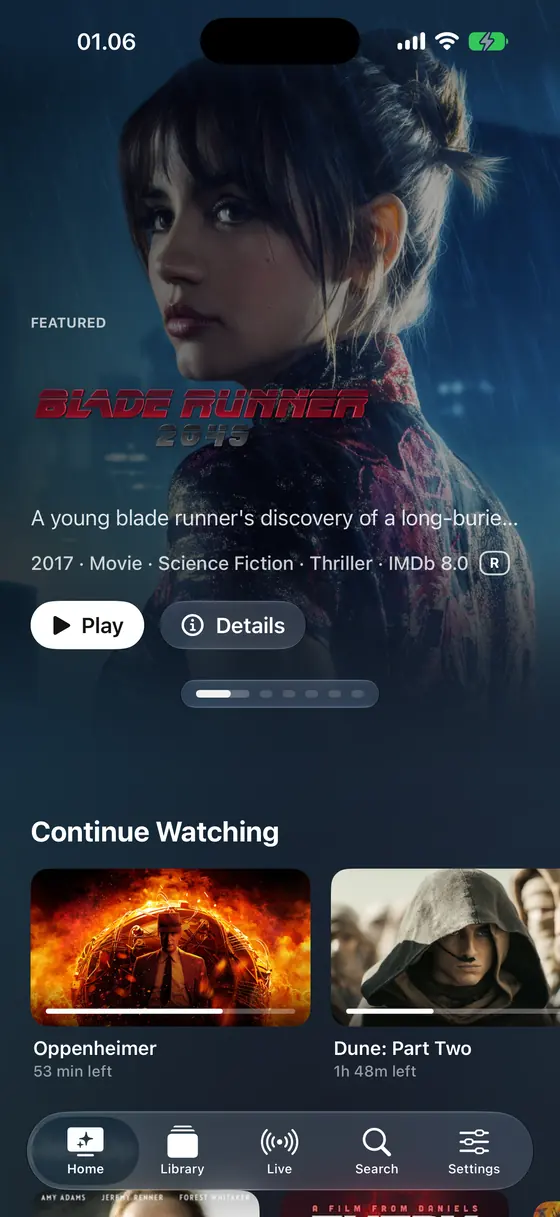
Real screens from the Apple TV build. The app takes its colour from whatever is on.
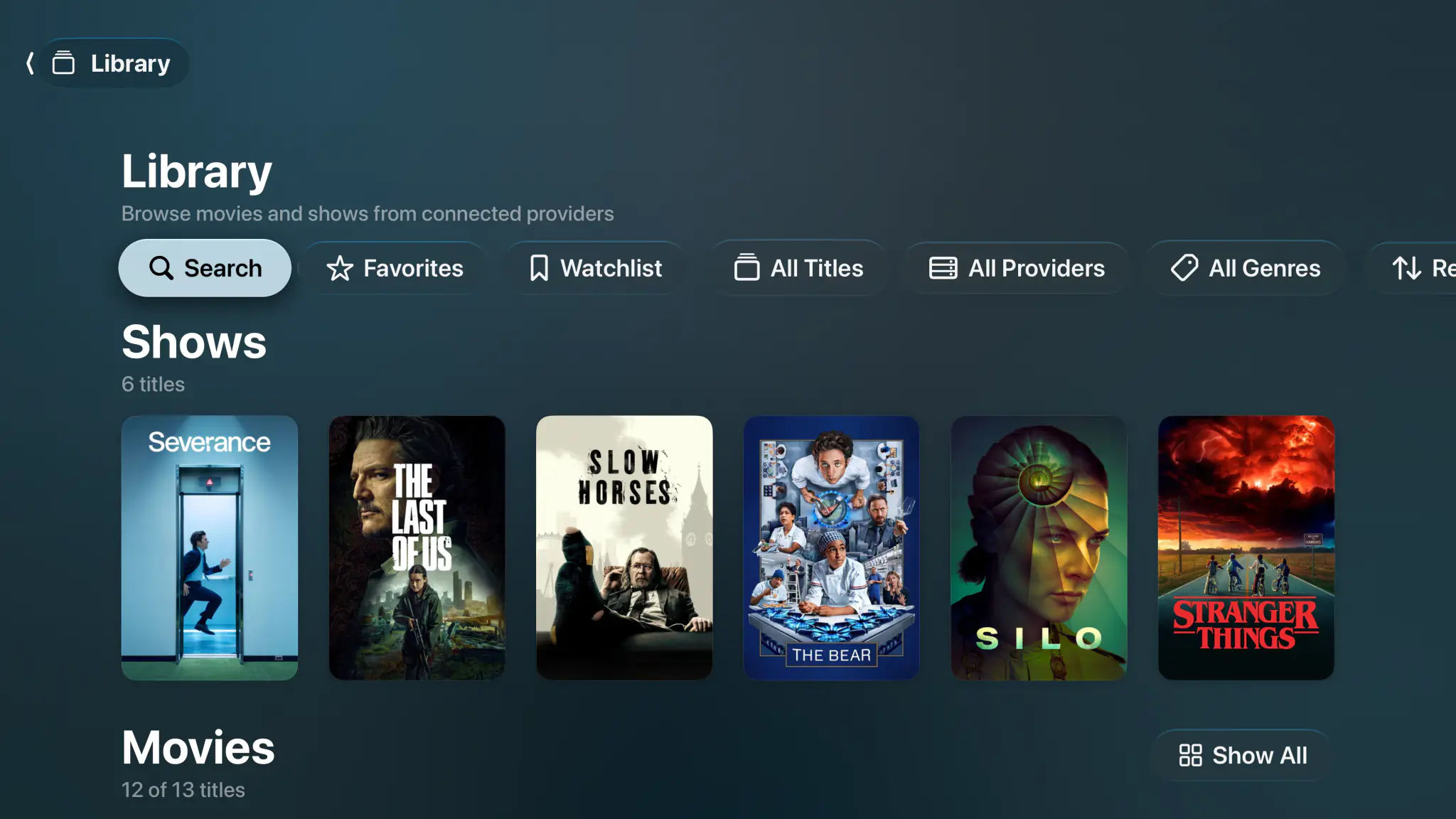
Every provider, one shelf.
Movies and shows from every server and playlist together, filtered by favorites, watchlist, provider or genre.
- Library
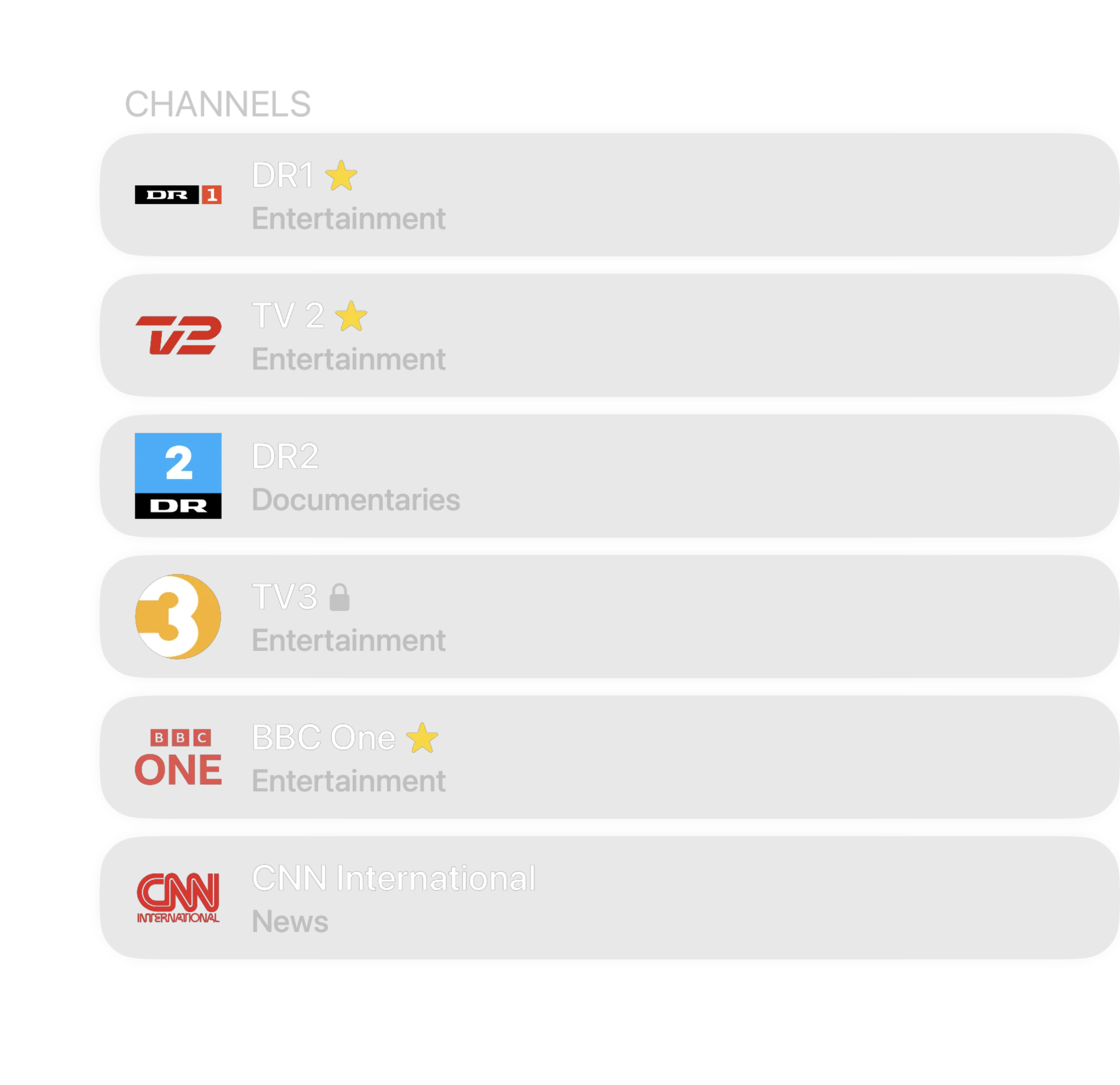
- Channels
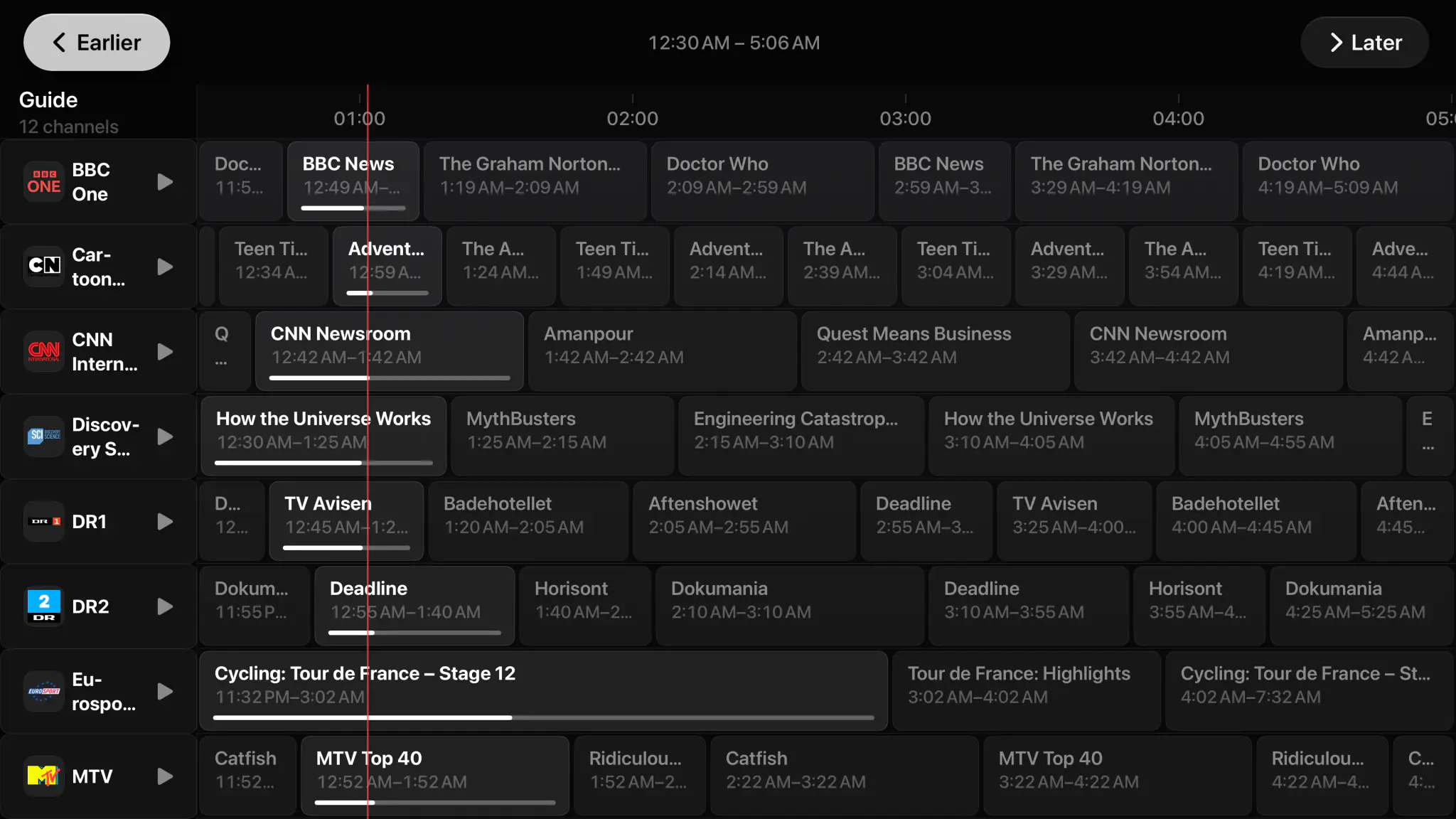
- Guide
- Search


Paste a playlist, get a real guide.
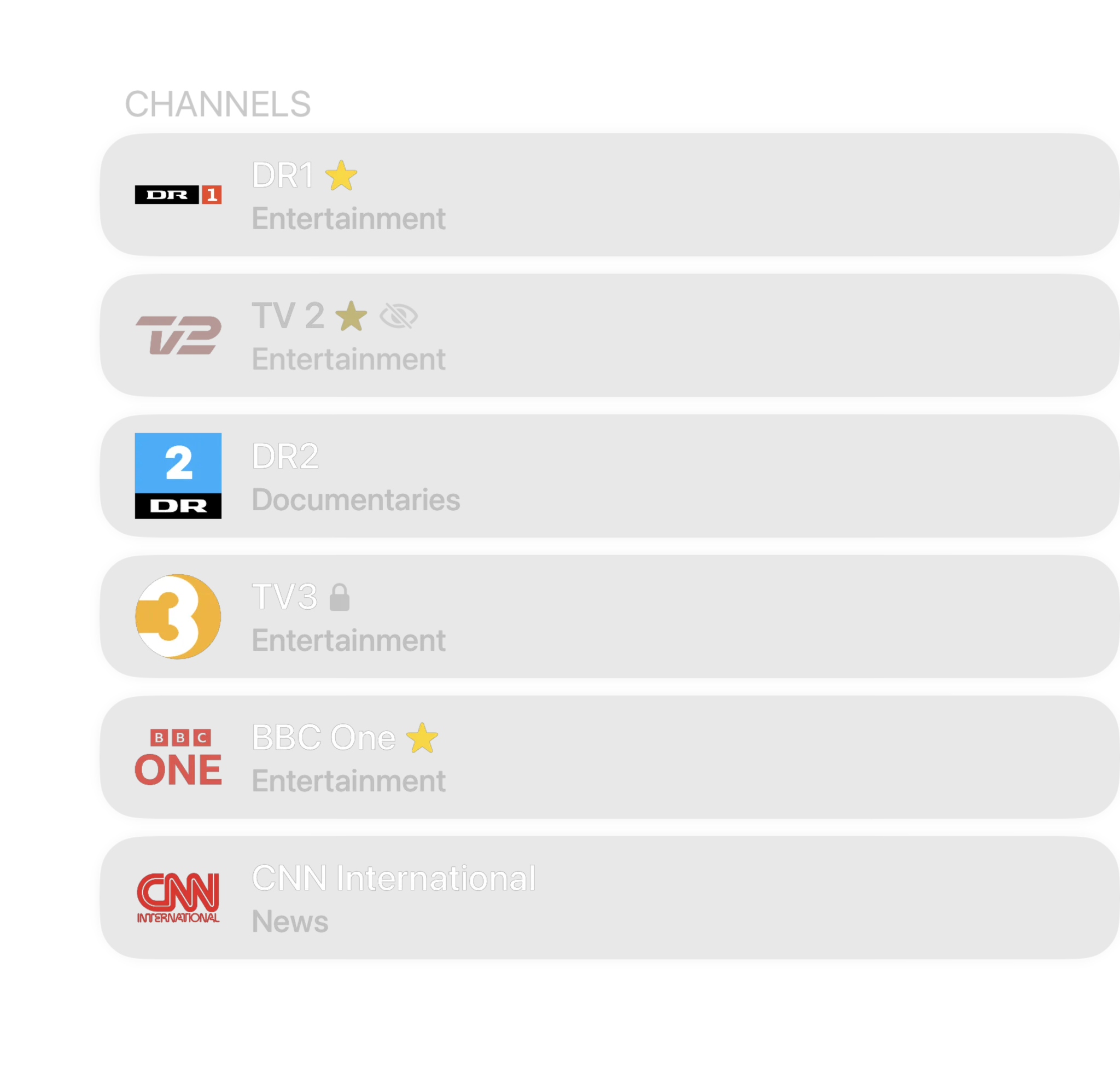
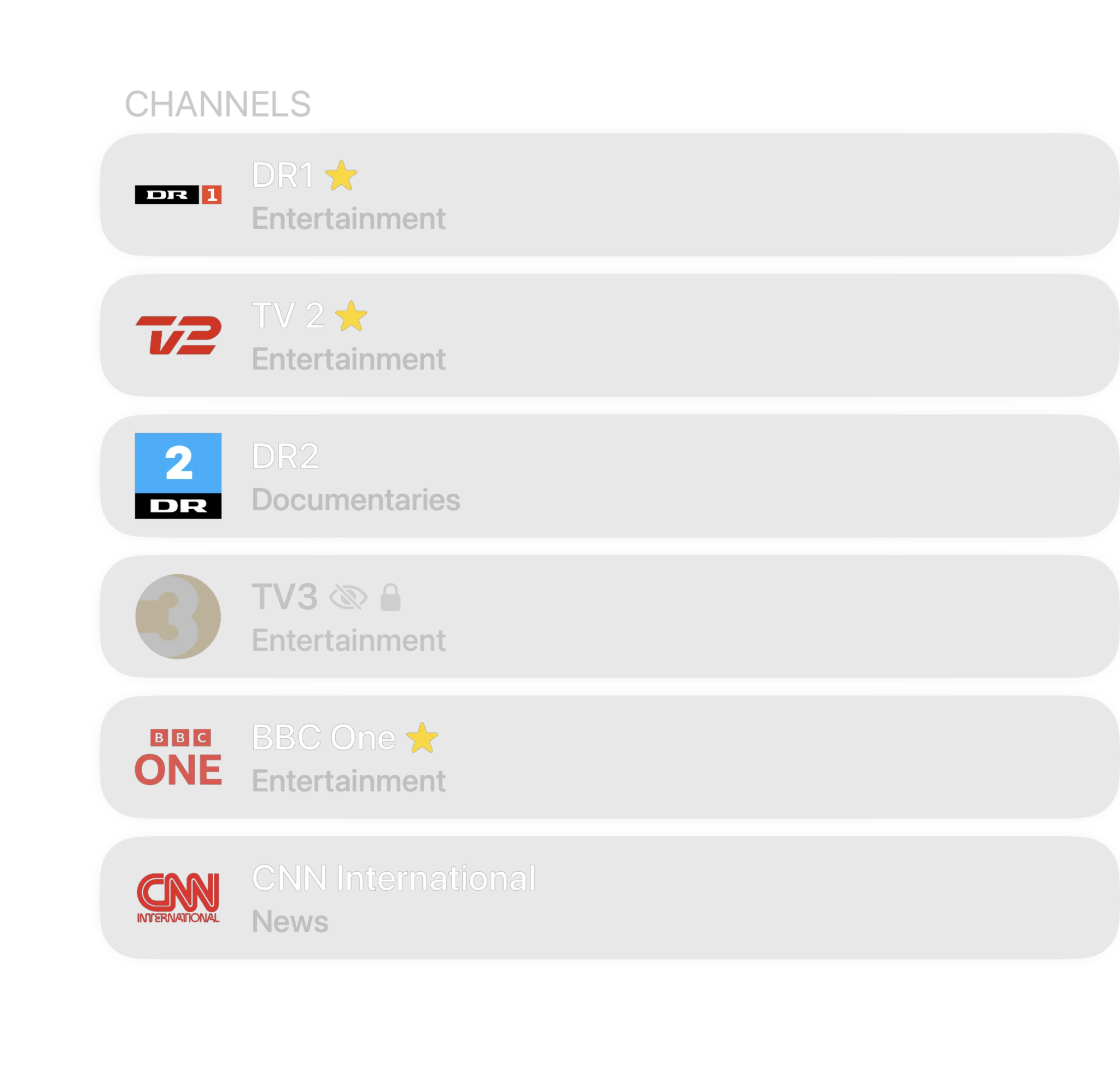
Paste an M3U, M3U8 or JSON playlist, or sign in to an Xtream provider. Add your XMLTV URL and the guide becomes a full-screen timeline with now and next on every channel. Then hide, rename and favorite until the lineup holds only what you watch.
- M3U, M3U8 and JSON playlists, plus Xtream-compatible providers
- Full XMLTV program guide with now, next and live progress
- Categories, favorites, renaming and hiding that survive a refresh
- Channel up and down zapping straight from the player on Apple TV
Press play before you connect anything.
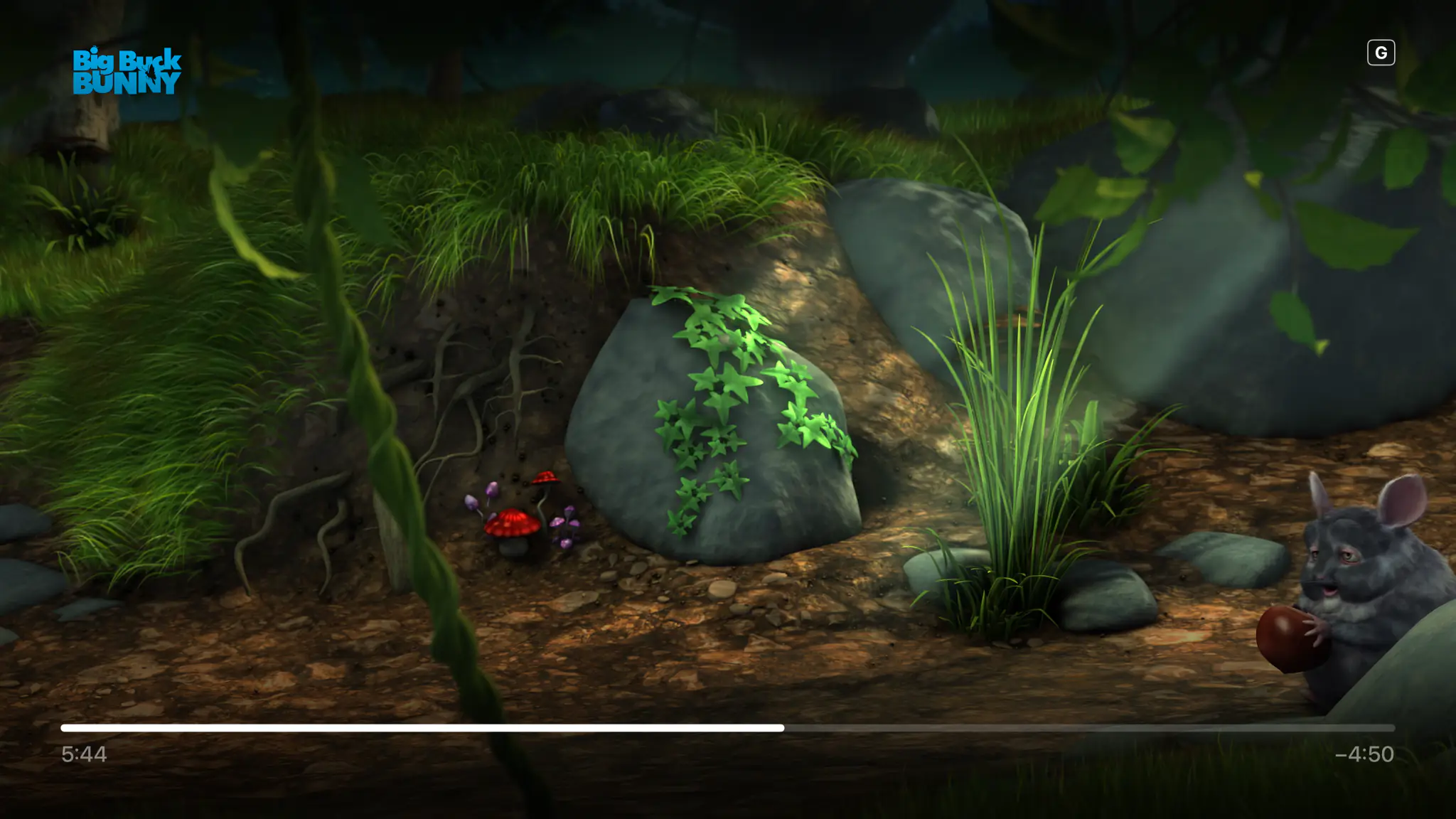
A new install is not an empty shelf asking for a server address. Four films are already on Home, and they play in seconds with no account, no playlist and no card. It is the real player on your own television, not a demo mode.
- Four Blender open movies, ready the moment you open the app
- Singularity is served in HDR10, so you see what full quality buys
- Nothing to sign up for and nothing that expires
- Connect Plex, Jellyfin or a playlist whenever you feel like it
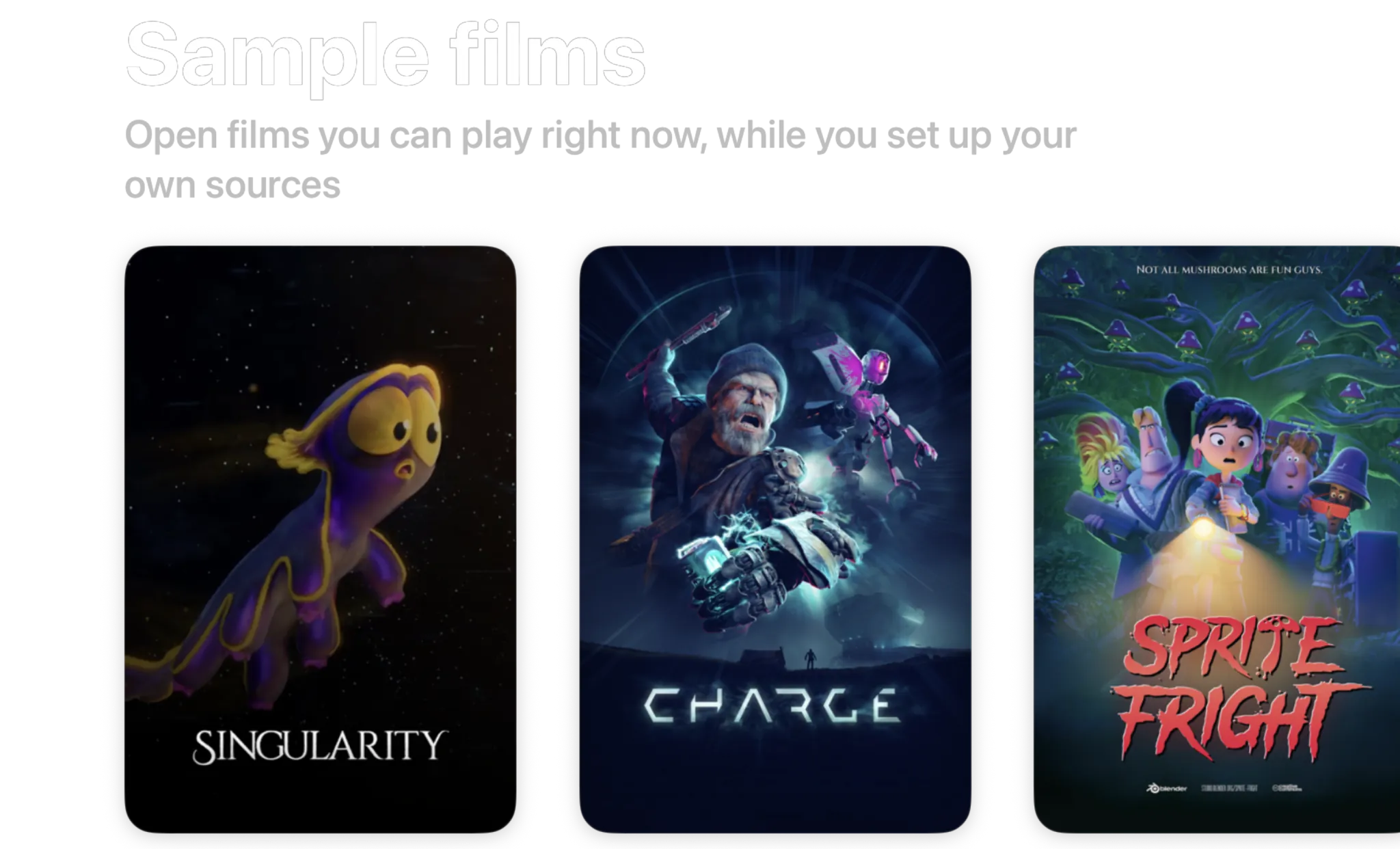
- Singularity2026 · 6 min · HDR10
- Charge2022 · 4 min · 1440p
- Sprite Fright2021 · 10 min · 1080p
- Big Buck Bunny2008 · 10 min · 720p
Blender open movies, licensed CC BY. Spectati streams them to a fresh install so there is something to watch before you connect anything.
Remux, HDR, Atmos. No transcode.
A 4K remux plays with no server transcode. Dolby Vision, HDR10+, HDR10 and HLG go to the display. Dolby Atmos in Dolby Digital Plus reaches the receiver untouched, TrueHD and DTS play as 5.1 Dolby Digital Plus, and TrueHD Atmos and DTS:X keep their height channels on AirPods, HomePods and Atmos receivers. With Match Content on, tvOS switches dynamic range and frame rate before the first frame.
- Direct play from the server, with no transcoding
- Dolby Vision, HDR10+, HDR10 and HLG passthrough
- Atmos in Dolby Digital Plus untouched, TrueHD Atmos and DTS:X with their height channels
- Hardware decoding first, software fallback for the rest


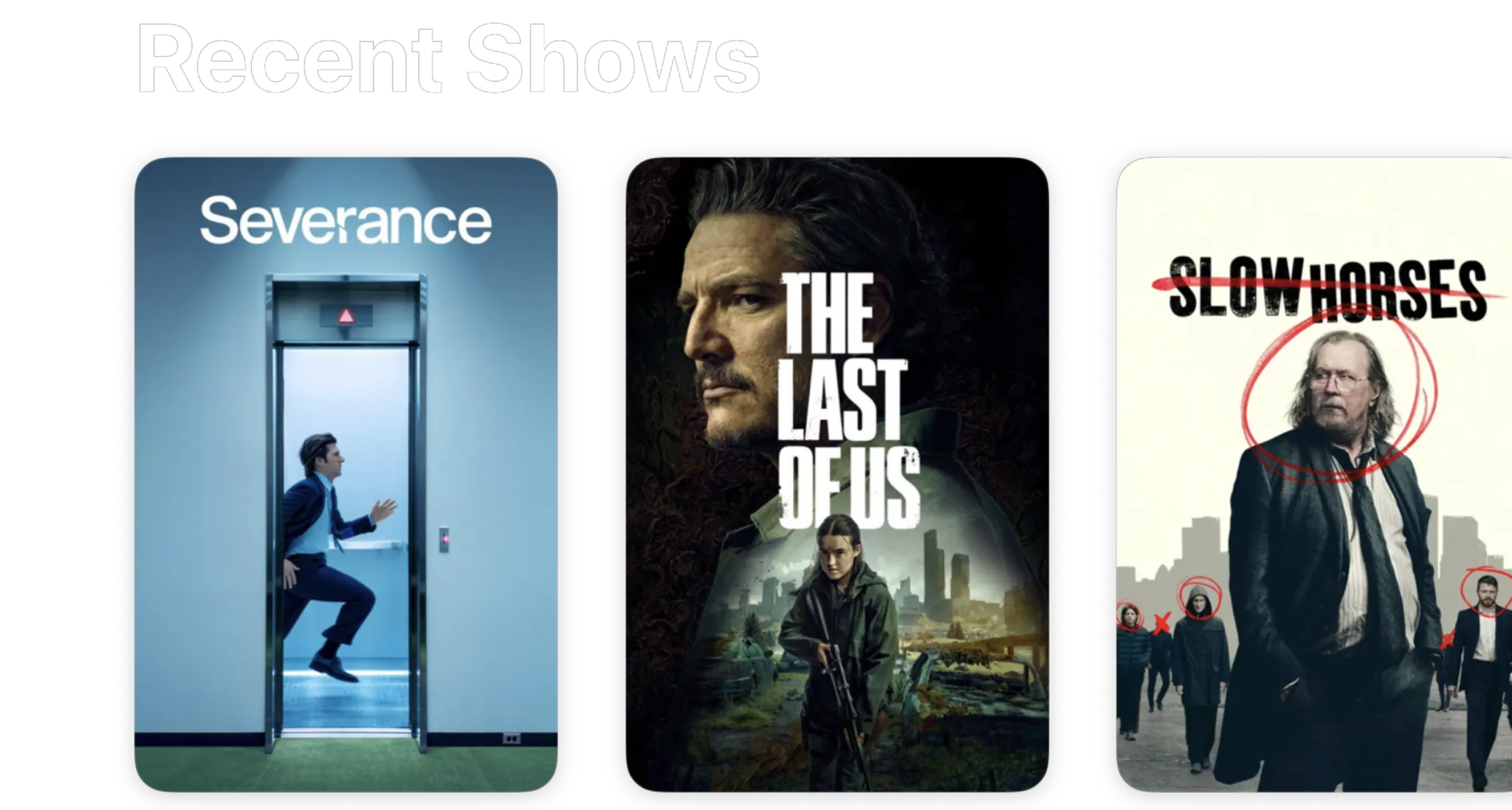
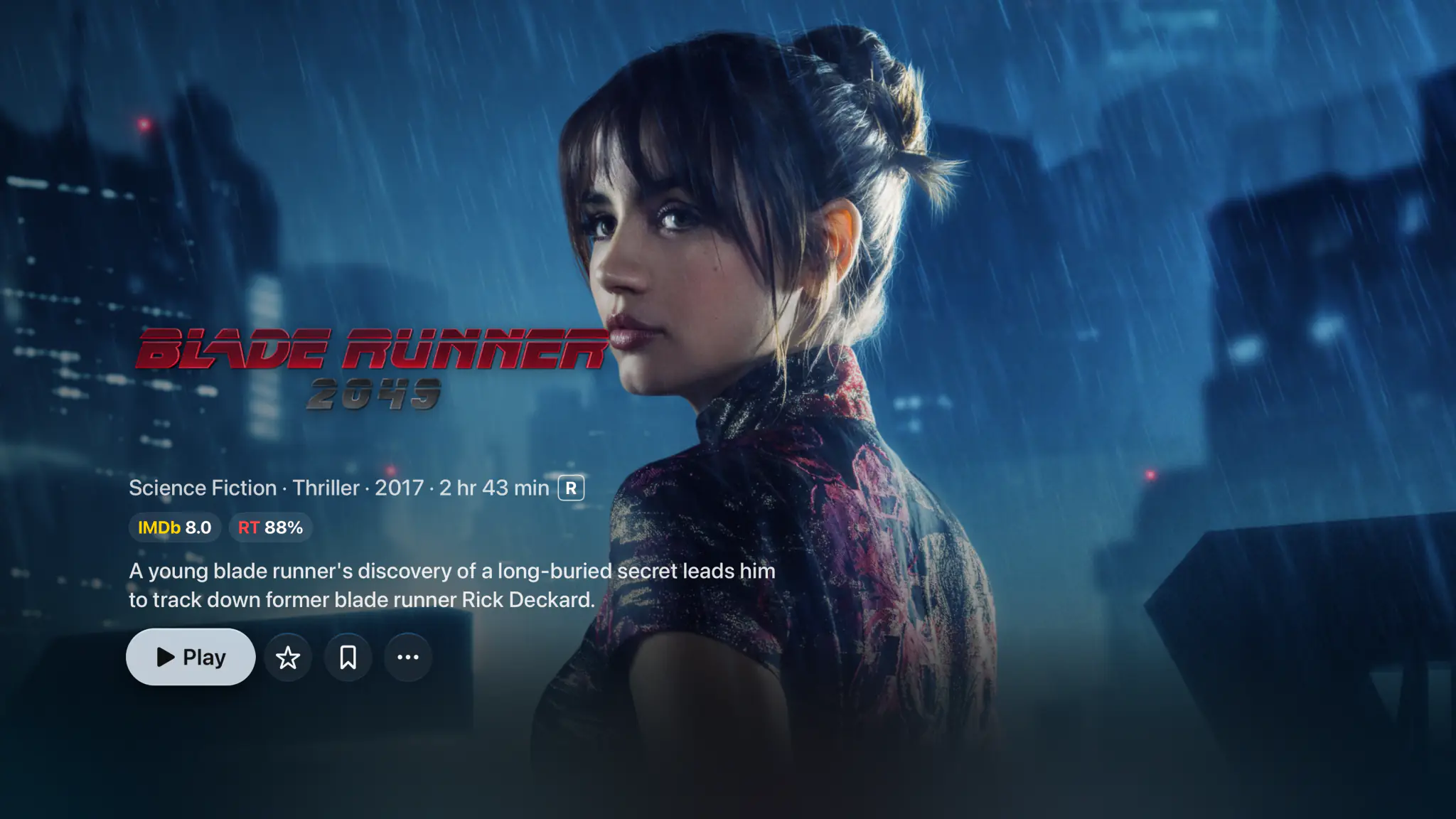
Posters, cast and synopses for everything you own.
Where your server has no artwork, Spectati pulls posters, cast and synopses from TVDB, so a folder of loose files browses like a shelf.

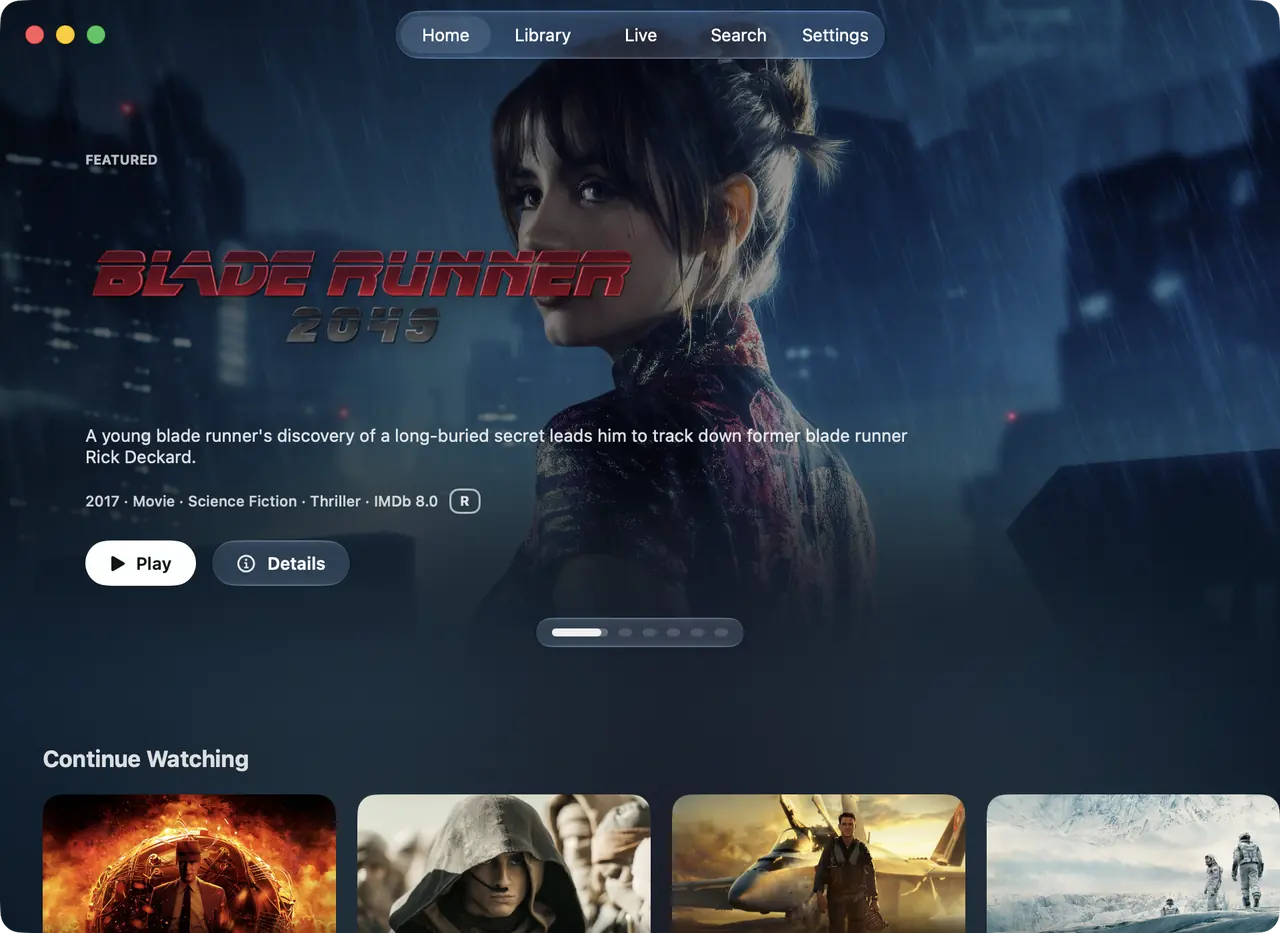
One app, four screens.
The same app on Apple TV, iPhone, iPad and Mac, laid out for each one. With a subscription, your sources, favorites, hidden items and watch state travel between them through your own iCloud.

- Written in
- Native Swift, per platform
- Synced by
- Your own iCloud, with a subscription. No Spectati account.
- Profiles
- The Apple TV user is the profile
- Localized in
- 27 languages
Everything else it does
Browsing, live TV and playback are free, with up to 2 sources running at once. No ads, and nothing to set up before you press play.
Smart deduplication
The same film on Plex and Jellyfin becomes one entry. It plays from the source you put first in Settings, and every other copy is listed on its page.
Plain folders too
Point Spectati at an SMB share, or a WebDAV or SFTP folder in beta, and it builds a library from the files, no media server required.
Like or Not For Me
Rate anything from the detail screen, and the rows on Home reshuffle around your taste, daily, weekly or never.
One search
Titles, episodes and channels from every connected source, in one list.
iCloud sync
With a subscription, your sources, favorites, curation and progress follow you across every Apple device.
Apple TV user profiles
Spectati runs as the current Apple TV user, so watch history and favorites stay personal to each household member.
SIMKL and Trakt sync
Pair a SIMKL or Trakt account with a short code and finished movies and episodes sync both ways, with a subscription.
Family Sharing
One subscription covers everyone in your Apple Family Sharing group.
Access controls
Lock the app or a single provider behind a PIN and cap everything with an age-rating limit.
Hide what you do not want
Hidden channels, titles and categories disappear from browsing, search and the guide alike.
Intro skipping
Jump past intros and recaps with crowd-sourced timestamps from IntroDB.
Subtitles
Search OpenSubtitles from the player, or let a subscription fetch them before playback starts. Delay, track and styling are yours to set.
Offline downloads
Save movies and episodes to iPhone, iPad or Mac for the flight, with a subscription.
AirPlay
Send a title to another room with the HDR and Atmos chain intact.
27 languages
English, German, French, Spanish, Portuguese, Italian, Dutch, Polish, Czech, Slovak, Hungarian, Croatian, Romanian, Greek, Turkish, Ukrainian, Finnish, Danish, Norwegian, Swedish, Arabic, Indonesian, Vietnamese, Thai, Chinese (Simplified), Japanese and Korean.
Teletext subtitles
Select embedded DVB teletext subtitle tracks on live channels and switch language mid-playback.
Home, your order
Reorder, pin or hide any home row, and pick posters, backdrops or lists per section.
Sort and filter
Year, genre, rating, runtime or provider, stacked as deep as you like.
Scores at a glance
IMDb and Rotten Tomatoes shown inline, so the call takes seconds.
Free to use. Pay only for full quality.
No ads, no account, and no clock running. The free tier direct-plays your 4K remuxes with no transcoding, in SDR. HDR and surround sound are what a subscription adds.
Free
No account neededInstall it and press play. There is no trial clock and no card.
- Plex, Jellyfin, IPTV and SMB file shares, plus Emby, WebDAV and SFTP in beta
- Up to 2 sources running at once
- Direct play of high-bitrate 4K remuxes, no transcoding
- Live TV with a full XMLTV program guide
- Favorites, hiding, renaming and sorting, channel by channel
- Parental PIN, age-rating limits and per-provider locks

Full quality
OptionalAbout $1.92 a month, starting with a 7-day free trial
- HDR and surround sound
- More than 2 sources at once
- Offline downloads
- IPTV catch-up and on-demand
- Bulk channel tools and program reminders
- iCloud sync across your devices
- Automatic subtitles
- SIMKL and Trakt watch-history sync
- App icons and accent colors
- Automatic intro skipping
- Up to four live channels at once with Multiview
- One purchase for Apple TV, iPhone, iPad and Mac, with Family Sharing
Bought inside the app, whenever you decide you want it. Apple handles it via In-App Purchase, with Family Sharing. Both subscriptions start with a 7-day free trial. Manage or cancel anytime from your Apple ID.
- Unlimited devices
- All providers
- tvOS, iOS, iPadOS and macOS
- Family Sharing
- Cancel anytime
Questions, answered.
Anything we missed? Get in touch.
Which devices does Spectati run on?
Spectati is a native app for Apple TV (tvOS), iPhone and iPad (iOS / iPadOS) and Mac (macOS). It needs version 26 or later of any of them, and one purchase through the App Store covers all of them.
Can I try it before I connect a server?
Yes. A new install already has four films on Home, Blender open movies streamed from spectati.com, so you can press play within seconds of opening the app. No account, no playlist, no card. It is the real player and the real interface, not a demo mode. One of the four, Singularity, is served in HDR, so you see what full quality looks like on your own television before you decide anything.
What does the free tier actually play?
Your files, as they are. The free tier direct-plays high-bitrate 4K remuxes from Plex, Jellyfin, Emby, SMB shares and IPTV with no server transcode, and renders them in SDR. A subscription adds HDR and surround sound, more than 2 sources at once, offline downloads, IPTV catch-up and on-demand, bulk channel tools and program reminders, iCloud sync across your devices, automatic subtitles, SIMKL and Trakt watch-history sync, app icons and accent colors, automatic intro skipping and up to four live channels at once with Multiview. Nothing is refused or interrupted. Reach for something the subscription covers and the app says so, then carries on.
Do I need a Plex or Jellyfin server?
Not to start. Spectati connects to what you already have, a Plex, Jellyfin or Emby server, an SMB share or an IPTV playlist, and hosts nothing itself. Before any of that exists, the sample films on Home already play.
Which IPTV formats does it support?
M3U, M3U8 and JSON playlists, plus Xtream-compatible providers with host, username and password. Point it at your XMLTV data and it builds a full program guide with now, next and live progress.
How does deduplication work?
When the same movie or episode appears on more than one server, Spectati merges them into one entry and plays it from the source you put first in Settings. Every other copy is listed on the detail screen, so you can play a specific one.
Does it really play everything?
Close to it. Apple’s own player takes the formats it handles well, and Spectati’s FFmpeg-based engine takes the rest: MKV, DTS, TrueHD, styled ASS subtitles, interlaced broadcast feeds. Dolby Vision, HDR10+, HDR10 and HLG go to the display on hardware that supports them. Dolby Atmos in Dolby Digital Plus reaches the receiver untouched, TrueHD and DTS play as 5.1 Dolby Digital Plus, and TrueHD Atmos and DTS:X keep their height channels on AirPods, HomePods and Atmos receivers.
How do access controls work?
There are no in-app profiles to set up. Lock the whole app or a single provider behind a PIN, cap everything with an age-rating limit, and hide channels, titles or whole categories so they never appear in browsing, search or the guide. On Apple TV, each Apple TV user keeps their own settings.
Can everyone in the house have their own watch history?
On Apple TV, yes. Spectati runs as the current Apple TV user, so switching users on the Apple TV, including at the who’s-watching prompt tvOS 26 shows when the TV wakes, switches Spectati with it, and each person keeps their own watch history, Continue Watching, favorites and settings. The Apple TV user is the profile, so each one connects their own providers unless they share an iCloud account.
Does Spectati sync with SIMKL or Trakt?
Yes, with a subscription. Connect a SIMKL or Trakt account, or both, with a short pairing code and Spectati marks finished movies and episodes there and pulls your history back into the app, on Apple TV, iPhone, iPad and Mac. It covers watch history only. Plex and Jellyfin stay the record of what you watched on them.
How are subscriptions handled?
Spectati is free to use. Browsing, live TV and playback need no subscription, and the free tier runs up to 2 sources at once. A subscription adds HDR and surround sound, more than 2 sources at once, offline downloads, IPTV catch-up and on-demand, bulk channel tools and program reminders, iCloud sync across your devices, automatic subtitles, SIMKL and Trakt watch-history sync, app icons and accent colors, automatic intro skipping and up to four live channels at once with Multiview. Apple bills it through In-App Purchase. Both subscriptions start with a 7-day free trial, and there is a one-off lifetime purchase if you would rather not subscribe. Cancel anytime from your Apple ID settings. Family Sharing is supported, so one purchase covers everyone in your family group.
What about my privacy?
Spectati does not upload your media library to Spectati-operated servers. Your app data is handled on-device, through Apple-managed iCloud sync where enabled, and through the providers you connect. The app sends PostHog telemetry and Sentry diagnostics.
Every server and every playlist, in one app.
Spectati is free on Apple TV, iPhone, iPad and Mac. Open it and four films are already on Home, so you can press play before you type a single server address. Add Plex, Jellyfin and your playlist when you feel like it.
Also on Apple TV, iPad and Mac
Requires tvOS, iOS, iPadOS or macOS 26