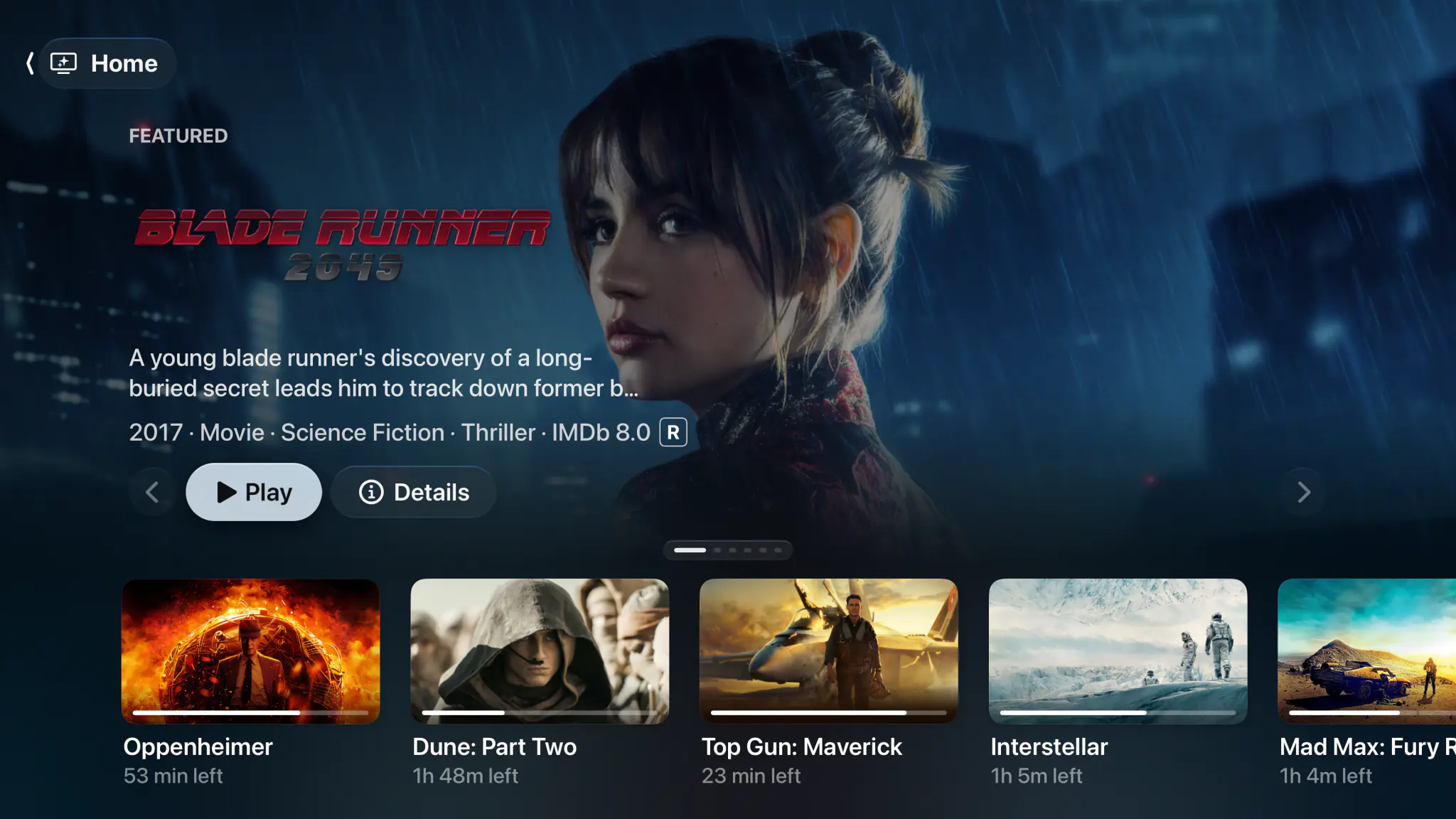
A UHF alternative with no ads and no watermark.
Nothing sits over the picture on the free tier, and the files on your NAS land beside your channels.


- Apple TV
- iPhone & iPad
- Mac
- M3U & Xtream
- XMLTV guide
- Catch-up
- Plex & Jellyfin
- SMB shares
Mostly the same app. Four rows each way.
Both play the same playlists, build the same kind of guide and connect the same media servers, so most rows tie. What is left is four rows each way.
| Capability | Spectati | UHF |
|---|---|---|
| Native on Apple TV, iPhone and iPad | Yes | Yes |
| Native Mac app | Yes | The iPad app, on Apple silicon |
| M3U, M3U8 and Xtream playlists, with an XMLTV guide | Yes | Yes |
| Catch-up from your provider’s archive | Yes | Yes |
| Plex, Jellyfin and Emby libraries | Yes | Yes |
| SMB and network shares, with no media server | Yes, in beta | No |
| The same film on two servers merged into one entry | Yes | No |
| Free tier with no ads and no watermark | Yes | Pro removes both |
| Plays a real film before you connect anything | Four sample films | No |
| Recording to a DVR you host | No | Yes |
| Built-in VPN client | No | Yes |
| Chromecast, alongside AirPlay | No | Yes |
| Minimum operating system | tvOS and iOS 26 | tvOS 17, iOS 16 |
Written by Spectati and checked against UHF's own site and App Store listing in August 2026, and its platforms again in October 2026. Spectati is not affiliated with UHF or Short Wavelength Applications; feature sets change, so check theirs before you decide.
Free is the whole app, not a demo with a logo on it.
Spectati puts nothing over the picture and never interrupts a channel to sell you something. Browsing, live TV, the guide, your servers and playback work with up to 2 sources running at once, and there is no trial clock counting down behind any of it. The free tier direct-plays your 4K remuxes with no transcoding, in SDR. HDR and surround sound are what a subscription adds.
- No ads, no watermark and no countdown to a trial ending
- 4K remuxes direct-play at full bitrate, with no transcoding
- Up to 2 sources running at once, of any kind
- Favorites, hiding, renaming and sorting, channel by channel
- Parental PIN, age-rating limits and per-provider locks
Your NAS is not somebody else's problem.
Both apps connect Plex, Jellyfin and Emby, so that part is a tie. The difference shows up when some of your library is loose files on a share with no media server in front of it. Spectati reads SMB directly, fills in artwork and metadata, and drops those files into the same library, search and Continue Watching row as your live channels.
- SMB shares read directly, with no Plex or Jellyfin server needed
- Plex, Jellyfin and Emby servers beside them
- One search across movies, shows, episodes and live channels
- The same film on two servers merged into one entry, played from the server you put first
- Direct play of high-bitrate 4K remuxes, with your server CPU idle

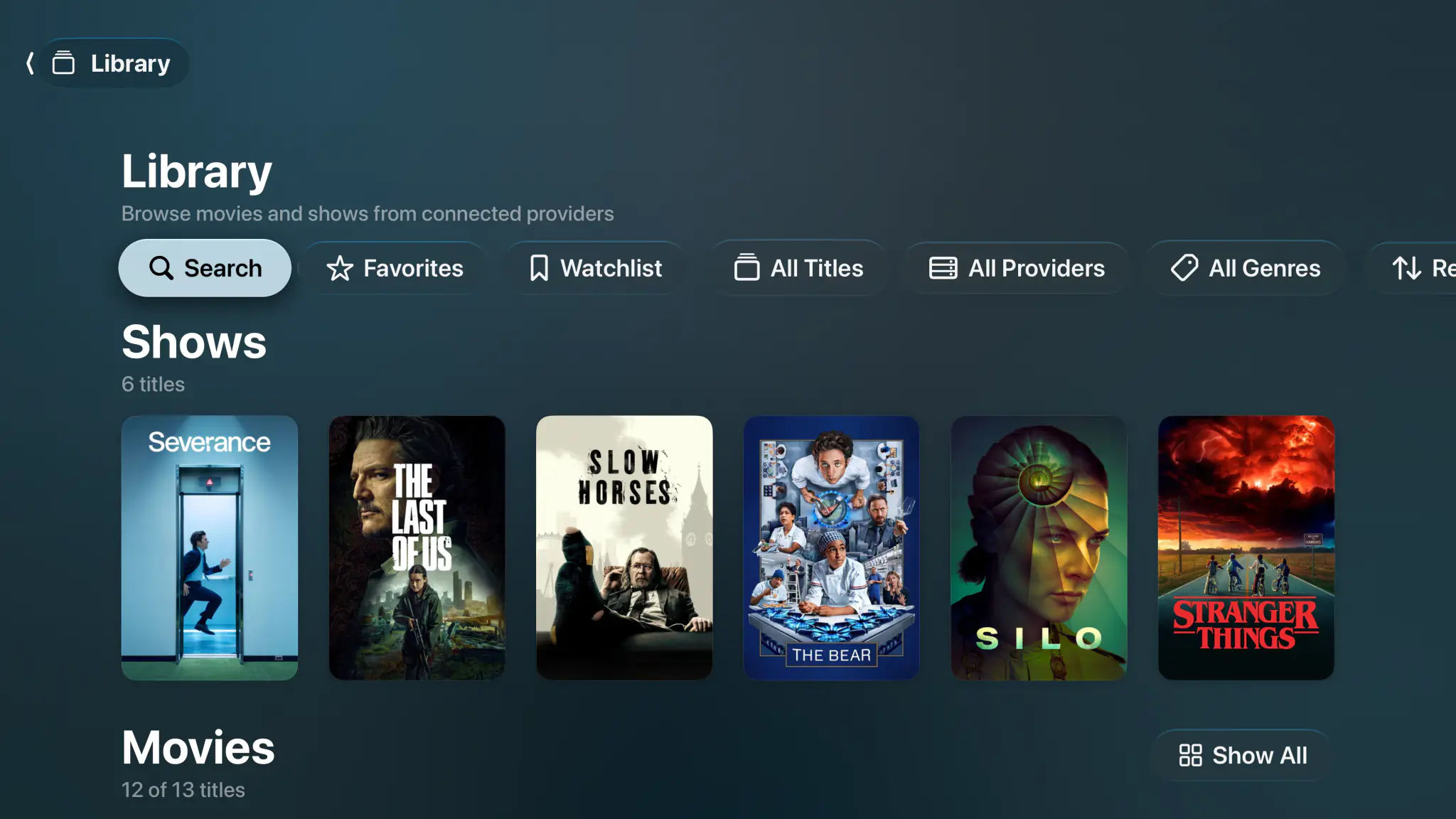
Press play before you connect anything.
A new install is not an empty shelf asking for a server address. Four films are already on Home, and they play in seconds with no account, no playlist and no card. It is the real player on your own television, not a demo mode.
- Four Blender open movies, ready the moment you open the app
- Singularity is served in HDR10, so you see what full quality buys
- Nothing to sign up for and nothing that expires
- Connect Plex, Jellyfin or a playlist whenever you feel like it
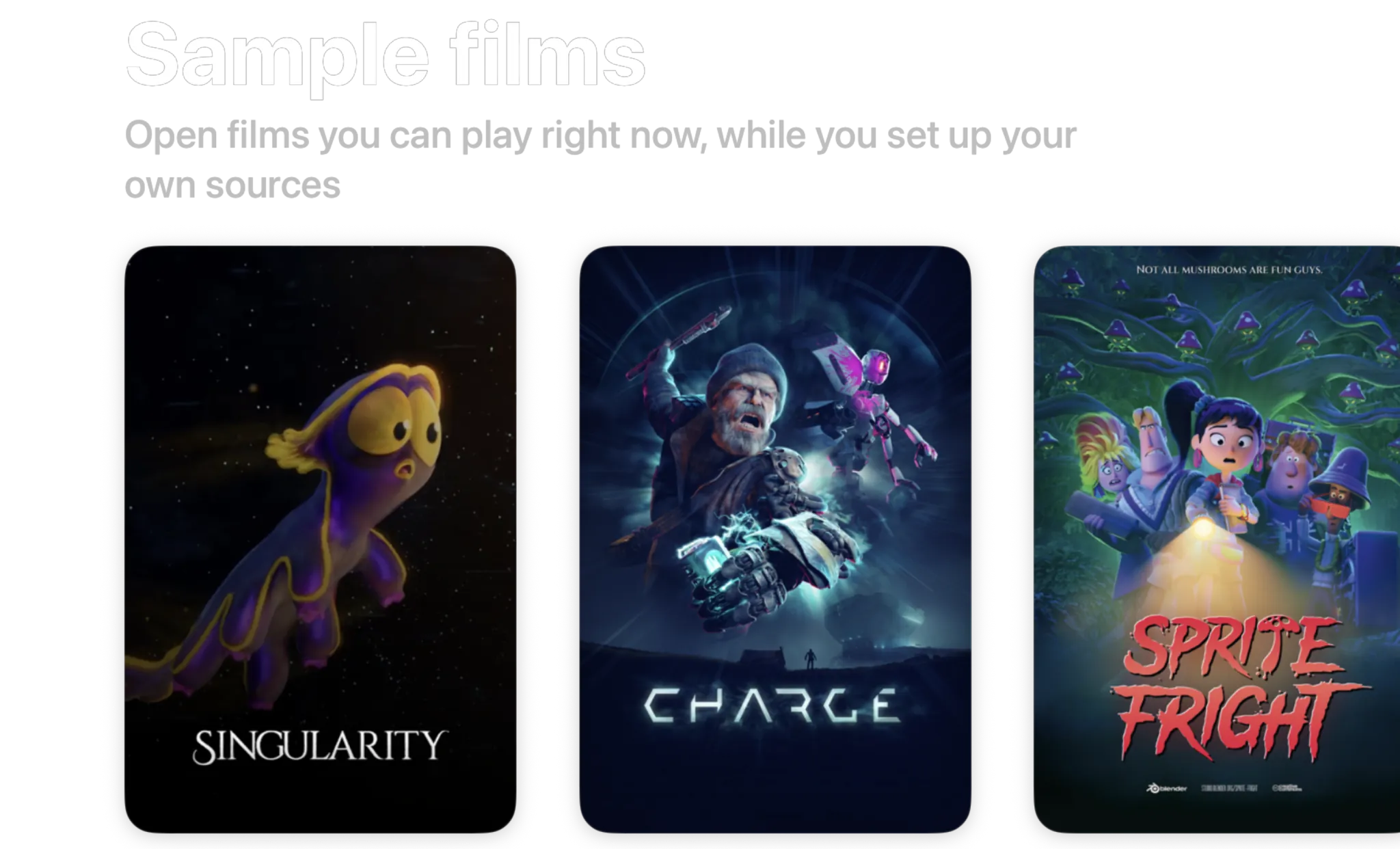
- Singularity2026 · 6 min · HDR10
- Charge2022 · 4 min · 1440p
- Sprite Fright2021 · 10 min · 1080p
- Big Buck Bunny2008 · 10 min · 720p
Blender open movies, licensed CC BY. Spectati streams them to a fresh install so there is something to watch before you connect anything.
Free to use. Pay only for full quality.
No ads, and nothing to decide before you have watched something. The free tier direct-plays your 4K remuxes with no transcoding, in SDR. HDR and surround sound are what a subscription adds.
Free
No account neededInstall it and press play. There is no trial clock and no card.
- Plex, Jellyfin, IPTV and SMB file shares, plus Emby, WebDAV and SFTP in beta
- Up to 2 sources running at once
- Direct play of high-bitrate 4K remuxes, no transcoding
- Live TV with a full XMLTV program guide
- Favorites, hiding, renaming and sorting, channel by channel
- Parental PIN, age-rating limits and per-provider locks
Full quality
OptionalOr $2.99/month, or $99.99 once and never again
- HDR and surround sound
- More than 2 sources at once
- Offline downloads
- IPTV catch-up and on-demand
- Bulk channel tools and program reminders
- iCloud sync across your devices
- Automatic subtitles
- SIMKL and Trakt watch-history sync
- App icons and accent colors
- Automatic intro skipping
- Up to four live channels at once with Multiview
Bought inside the app, whenever you decide you want it. Apple handles it via In-App Purchase, with Family Sharing. Both subscriptions start with a 7-day free trial. Manage or cancel anytime from your Apple ID.
- Unlimited devices
- All providers
- tvOS, iOS, iPadOS and macOS
- Family Sharing
- Cancel anytime
Switching questions, answered.
Weighing the two up with UHF already installed? Get in touch.
What is the best UHF alternative on Apple TV?
Spectati is the closest thing to a like-for-like swap: the same M3U, M3U8 and Xtream playlists, the same full-screen XMLTV guide with now and next, the same catch-up, and Plex, Jellyfin and Emby servers in the same app. Whether it is an upgrade depends on what you use. If you record with UHF’s DVR or rely on its built-in VPN, Spectati has neither and you should stay. If you never touched those and the ads on the free tier are what sent you looking, Spectati shows nothing over the picture at any tier.
Does Spectati do everything UHF does?
No. UHF records to a DVR you host on a Mac, Windows or Linux machine; Spectati does not record. UHF ships a built-in VPN client and casts to Chromecast; Spectati does neither, and AirPlay is the only cast target. UHF also runs on older hardware, down to tvOS 17, where Spectati needs tvOS or iOS 26. Everything else is either a tie or goes Spectati’s way.
Is the Spectati free tier really free?
Yes, and nothing is put over the picture to remind you. Live channels, the program guide, your Plex, Jellyfin and Emby libraries and playback all work with up to 2 sources running at once, with no ads, no watermark and no trial clock counting down. The free tier direct-plays your 4K remuxes with no transcoding, in SDR. HDR and surround sound are what a subscription adds. A subscription adds unlimited sources, catch-up and your provider’s on-demand catalogue, bulk channel tools, program reminders, offline downloads, iCloud sync and automatic subtitles.
Can Spectati read files off a NAS without a media server?
Yes. Spectati connects to SMB shares directly, fills in artwork and metadata for what it finds, and puts those files in the same library and the same search as your Plex and Jellyfin servers and your live channels. A NAS full of loose files does not need Plex installed in front of it to be watchable.
Does Spectati provide IPTV channels?
No. Spectati is a player and organizer. It supplies no media, channels, playlists, accounts or subscriptions. You connect the provider you already pay for, and stream only what you are authorized to.
Keep both installed. Decide with the remote.
Spectati is free on Apple TV, iPhone, iPad and Mac. Press play on a sample film, scan the QR code to put your playlist in from your phone, and keep whichever app you reach for.
Also on Apple TV, iPad and Mac
Requires tvOS, iOS, iPadOS or macOS 26