Thousands of channels. Only the ones you want.
Hide channels and whole categories, favorite what matters, and collapse every SD, HD and FHD duplicate into one.


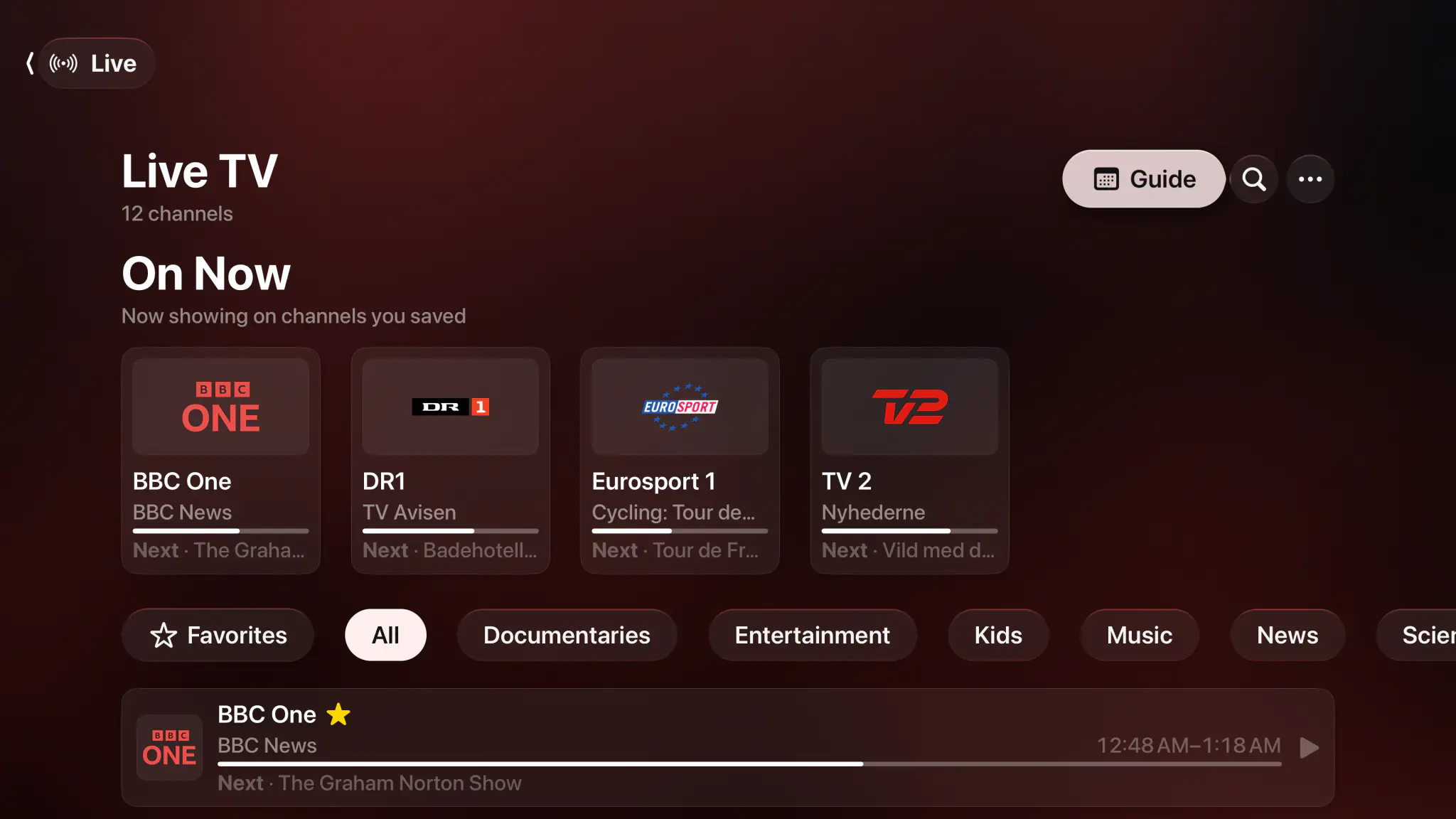
- Hide channels
- Favorites
- Wildcard rules
- Duplicate merging
- Custom categories
- Survives a refresh
Hide what you don't watch. Favorite what you do.
Hide a single channel, or hide an entire category in one tap. The usual move is to hide everything on import, then bring back the categories you want. Favorite single channels or whole categories to keep them one tap away.
- Hide individual channels or whole categories at once
- Categories read Active, Mixed or Inactive at a glance
- Favorite a channel, or favorite an entire category
- With a subscription, every change syncs to your other devices through iCloud
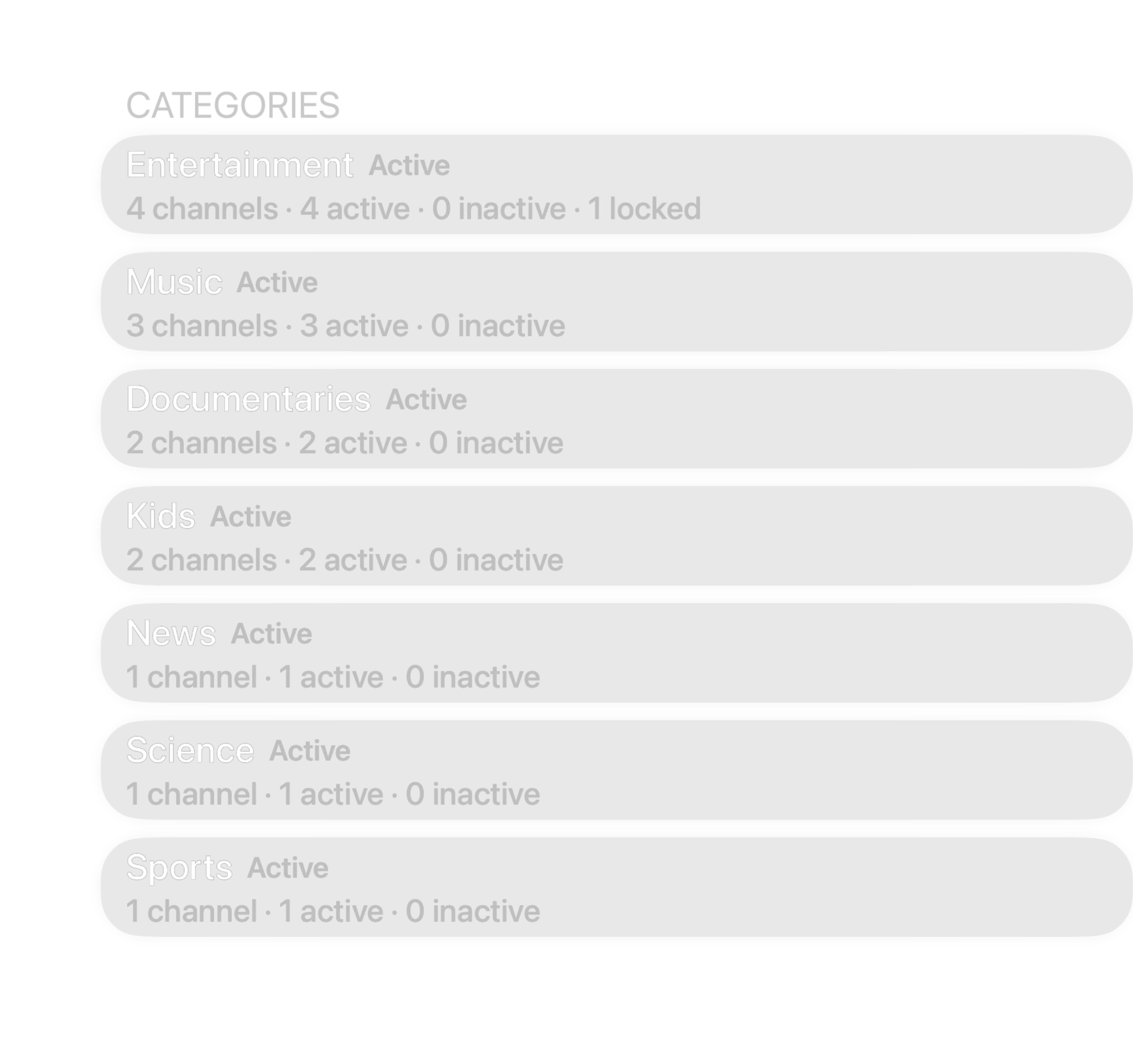
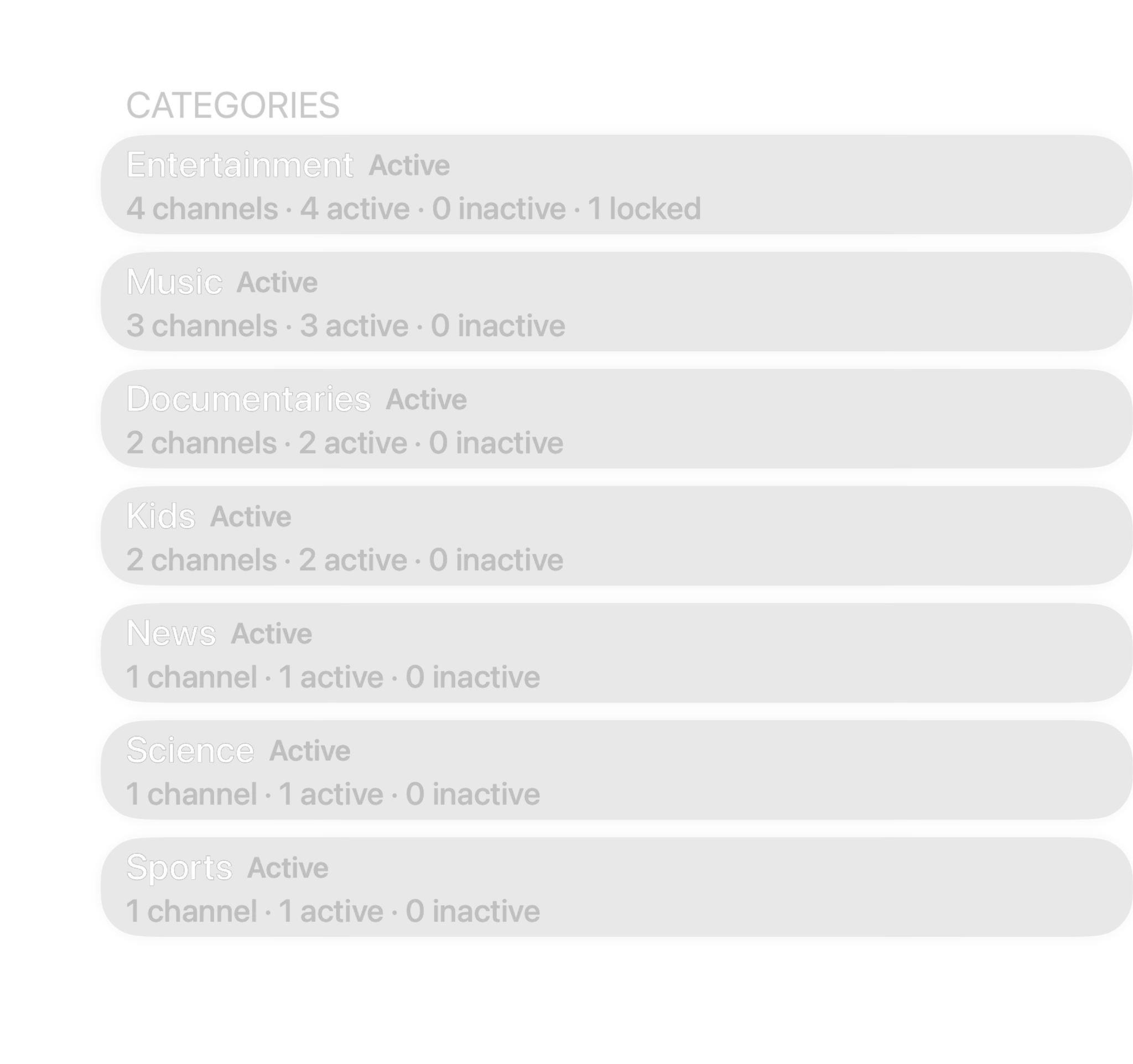
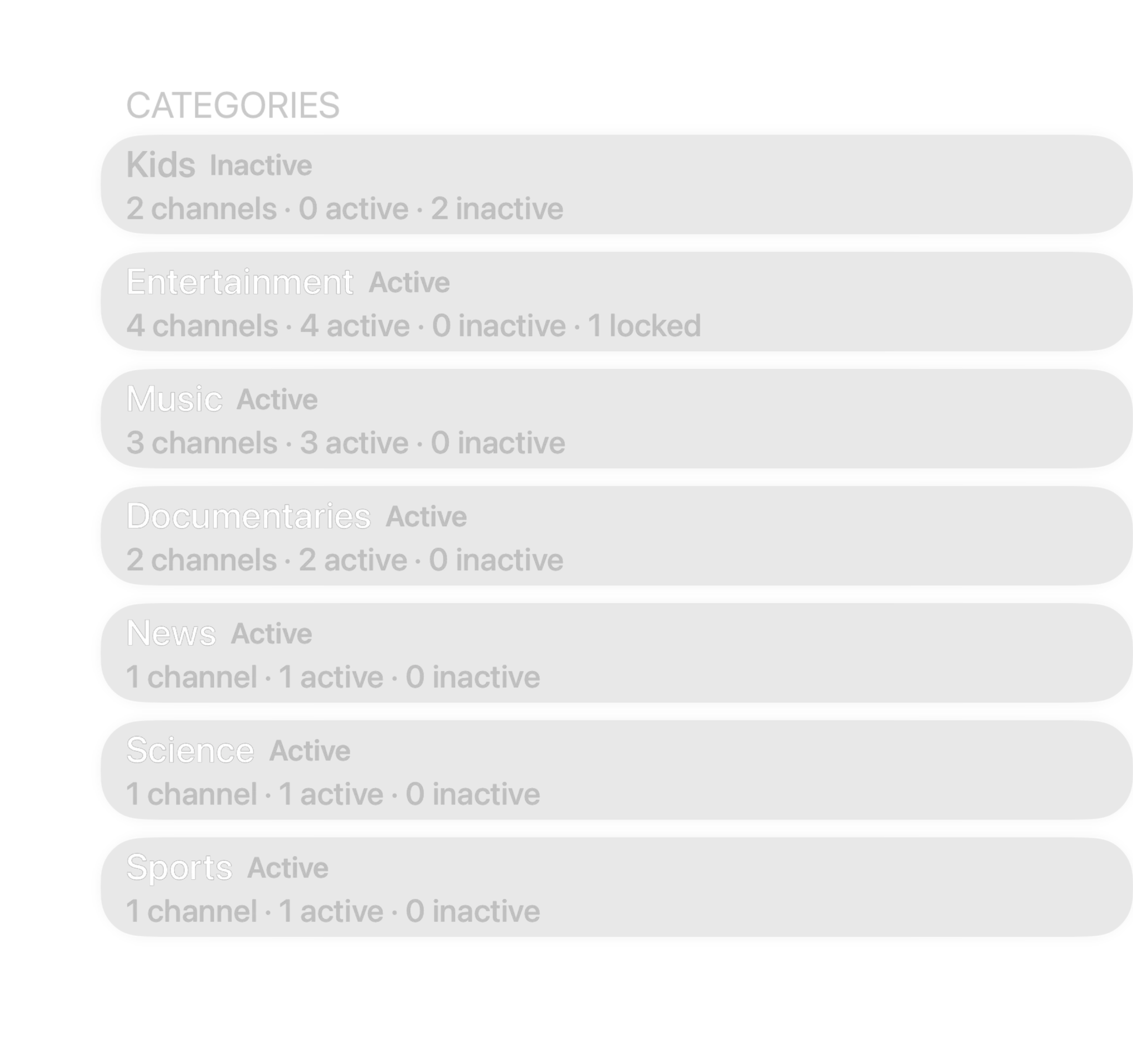
2 of 2 channels shown
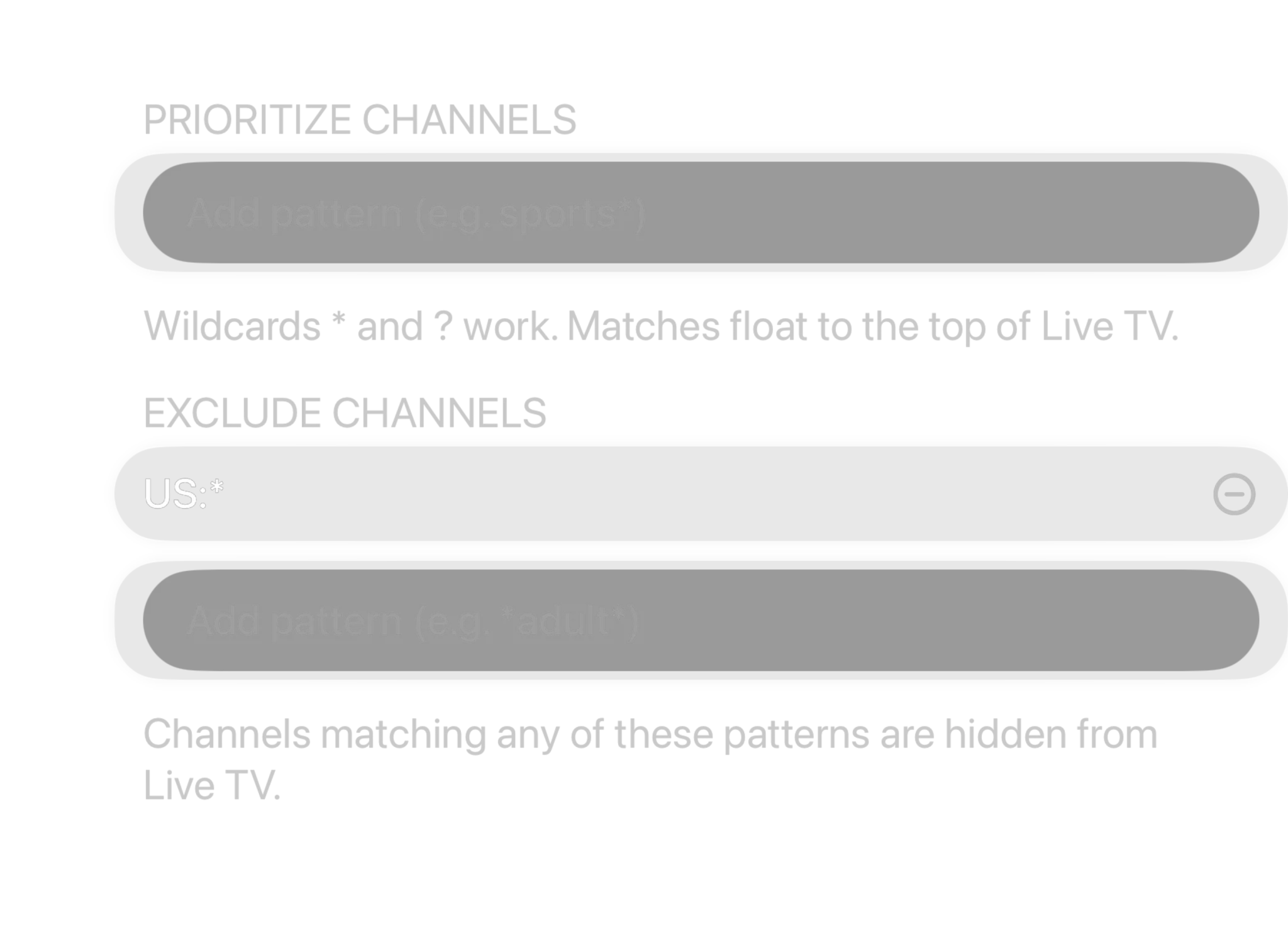
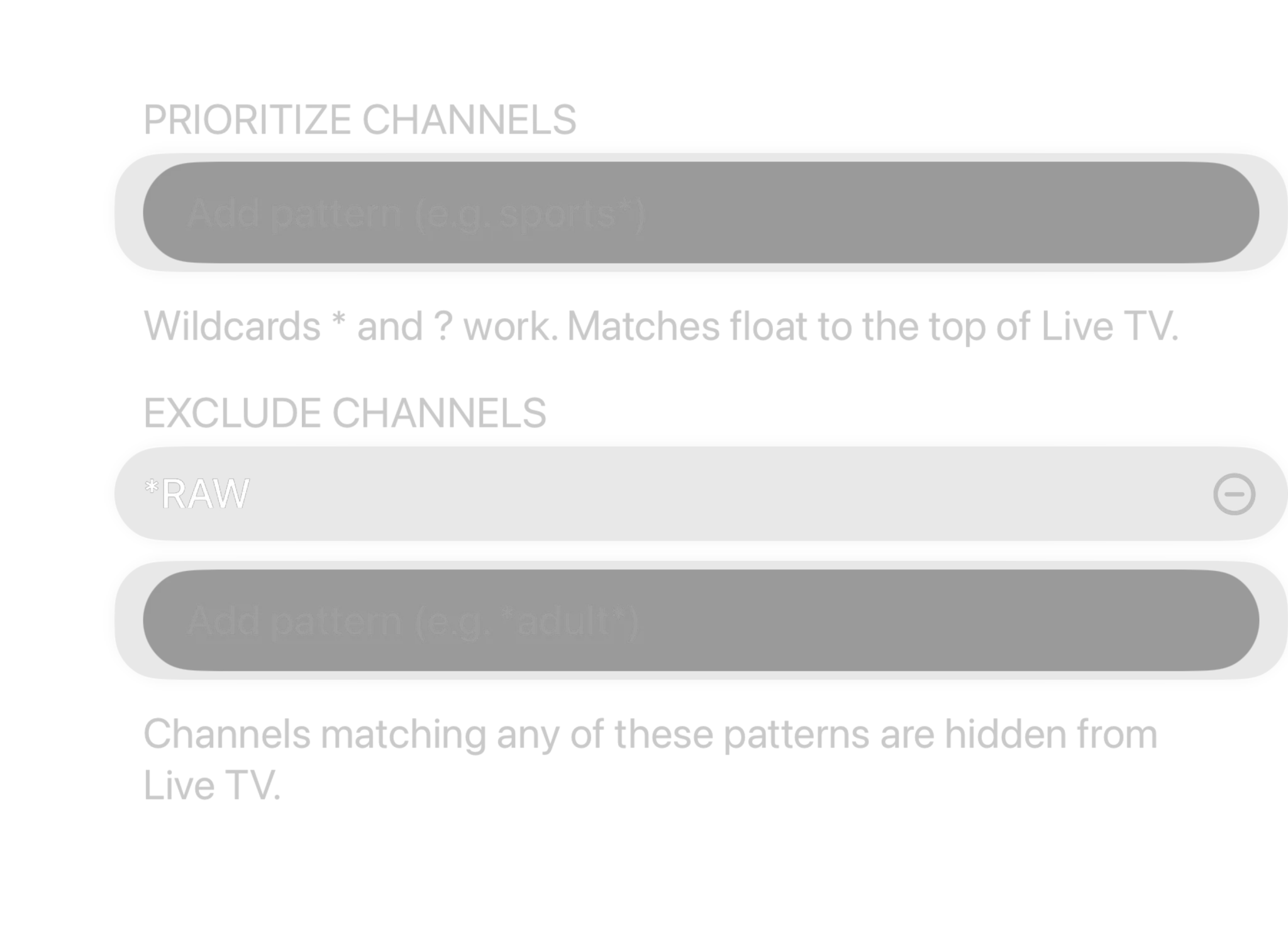
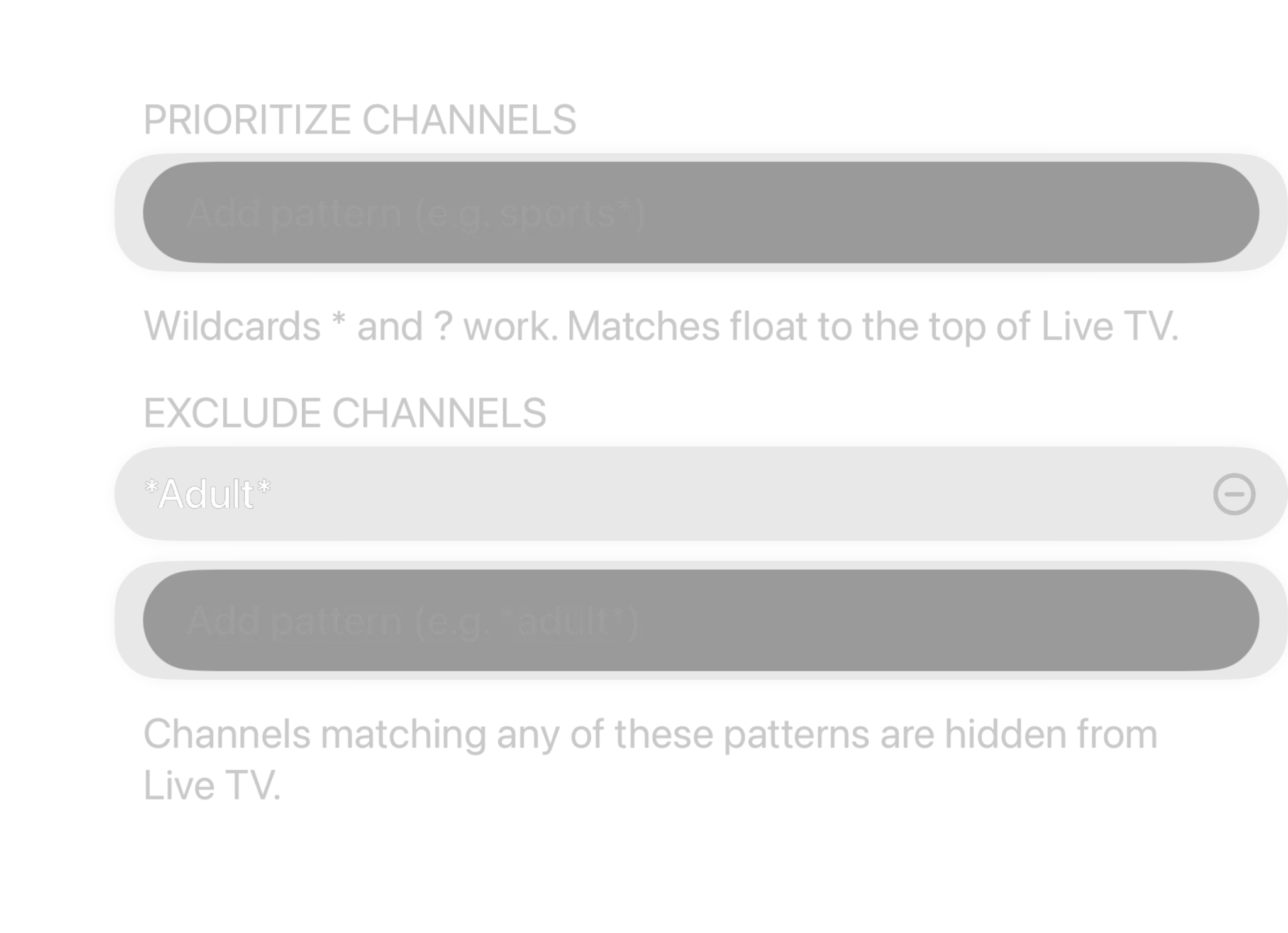
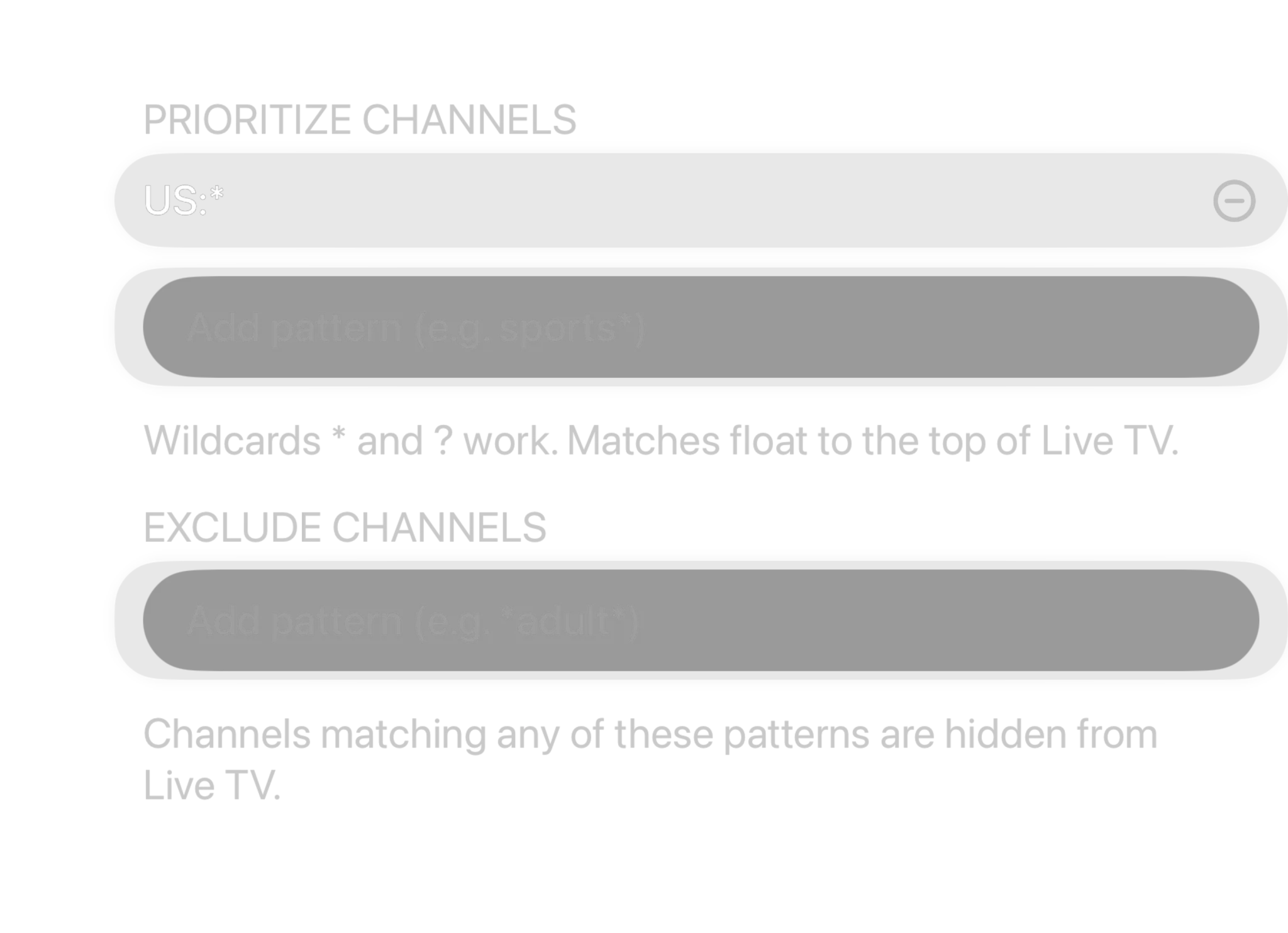
Write the rule once. Never curate again.
Use * and ? wildcards to match channel names or categories. A prefix pattern like US:* or a suffix pattern like *RAW catches every matching channel automatically, including new ones added on your next playlist refresh.
- Exclude patterns hide every matching channel automatically
- Prioritize patterns float matches straight to the top
- Rules apply globally, across every provider you connect
- Bulk-select by pattern to favorite or hide matches instantly
SD. HD. FHD. One channel.
Playlists often list "MTV", "MTV HD" and "MTV FHD" as three separate channels. Spectati recognizes the quality suffix, merges them into a single row that says how many feeds it holds, and hands you one setting to decide which quality it plays.
- SD, HD, FHD, UHD and 8K duplicates collapse into one row
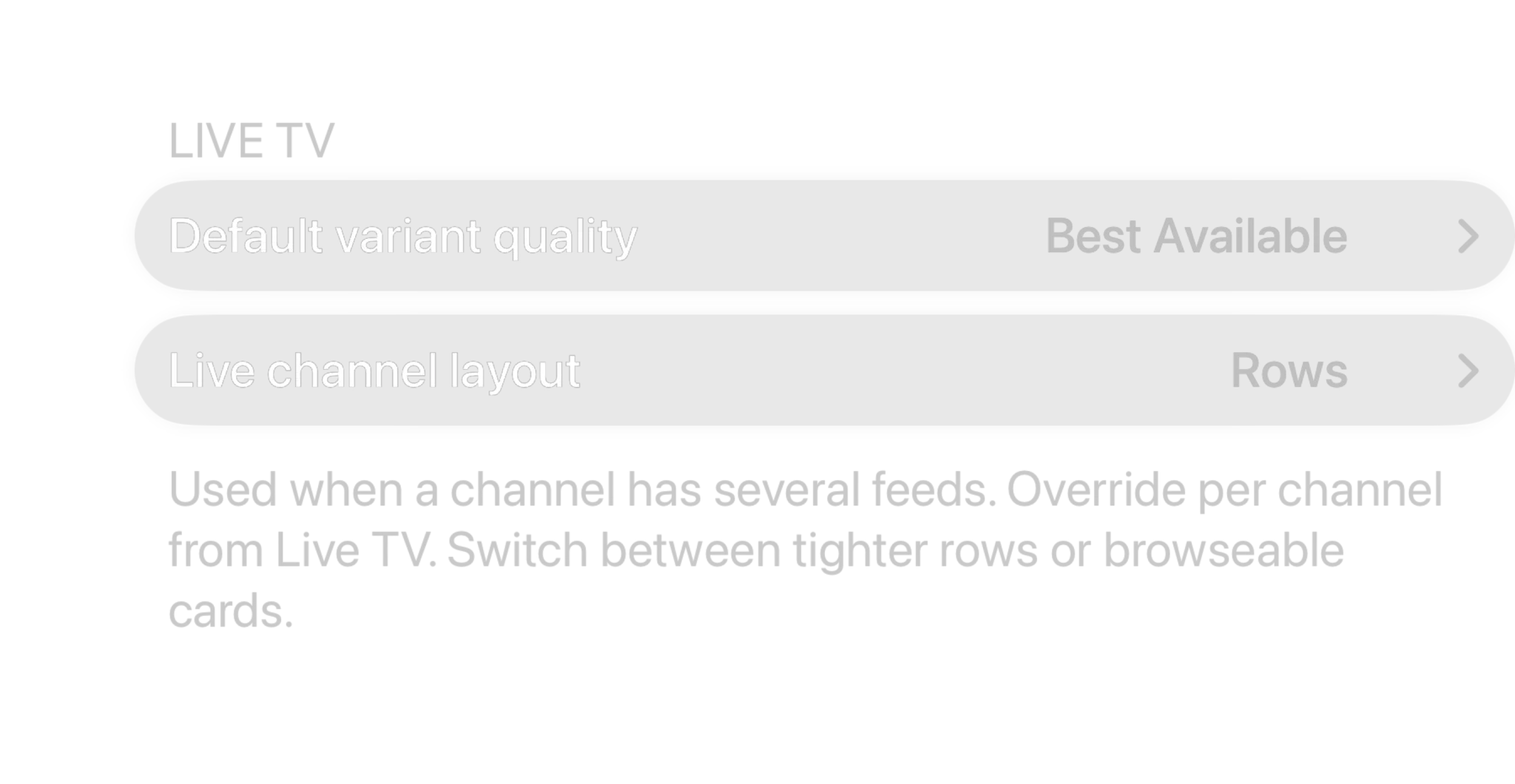
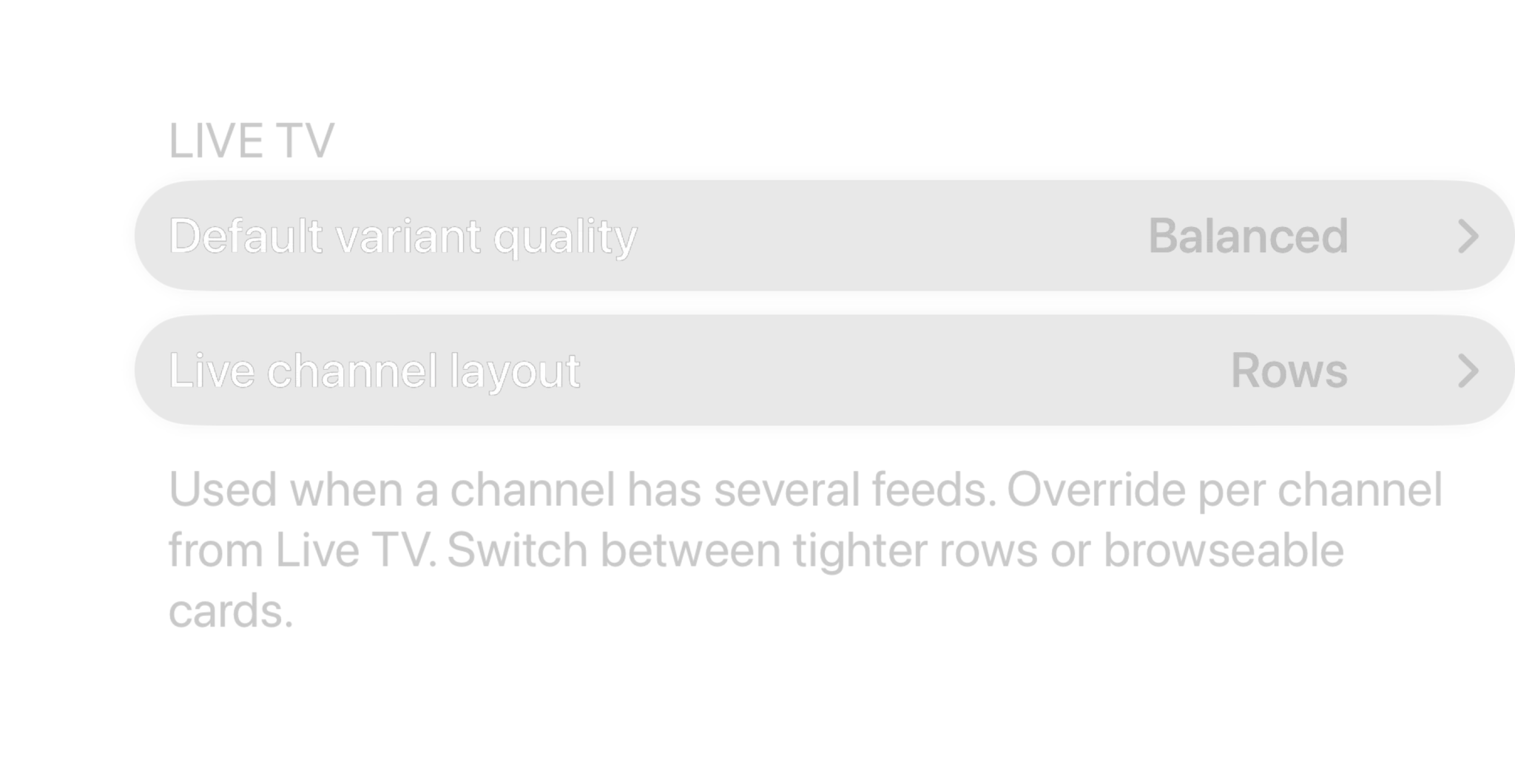
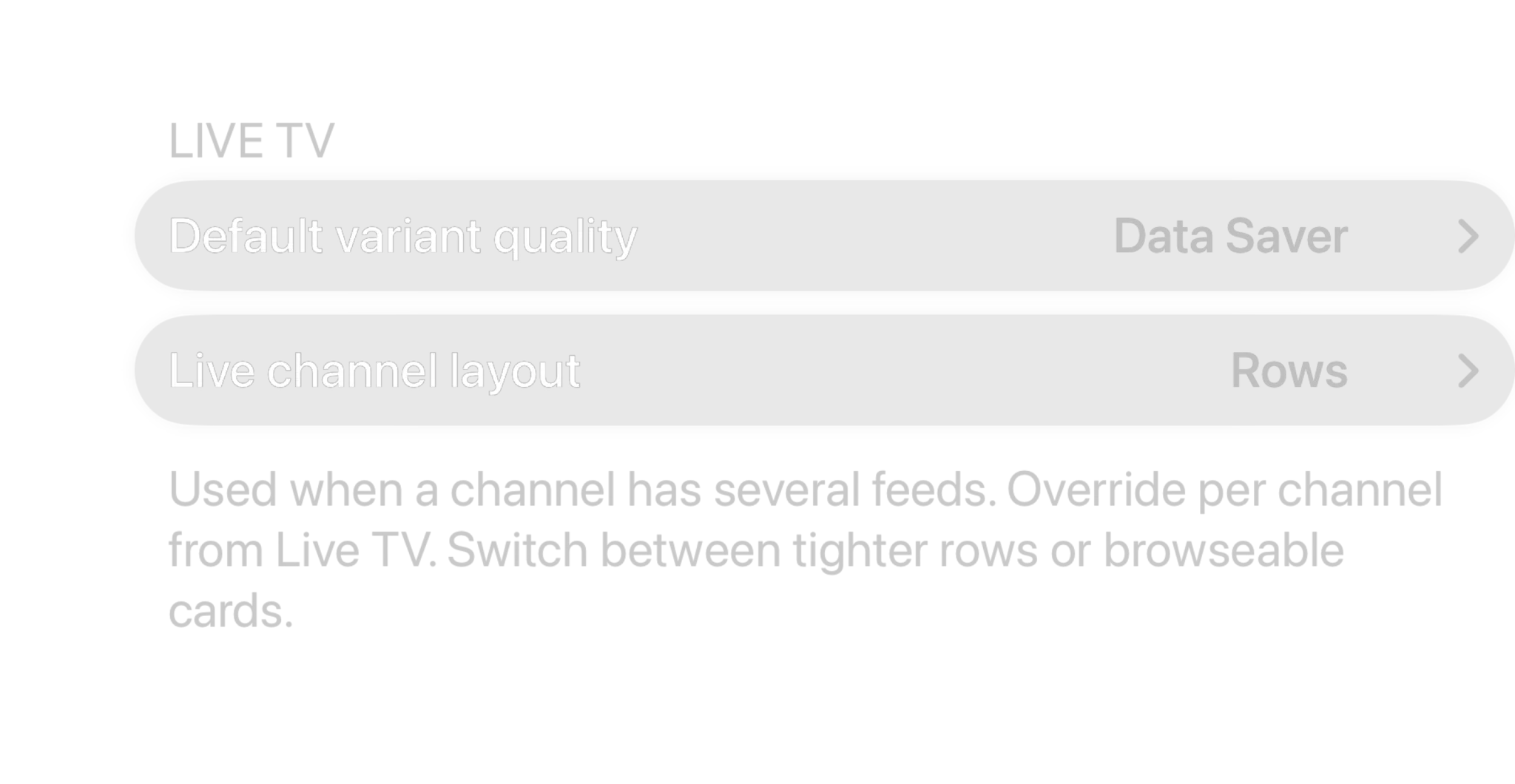
- Pick Best Available, Balanced or Data Saver as your default
- Override the quality for any single channel, anytime
- Hiding or PIN-locking a channel covers every quality variant

Every detail, sorted
Rename, reorder, restrict and search. It all lives on the device, and syncs with a subscription.
Content Access & PIN locks
Restrict any channel, category or whole provider behind a PIN and a maturity limit. The most restrictive rule always wins.
Rename & recategorize
Give a channel a custom name or move it into your own category, without ever touching the source playlist.
Order it your way
Move channels up and down to build your own lineup. It stays exactly how you left it.
Recently watched
Your last 40 tuned channels are one tap away, and synced across your devices with a subscription.
iCloud sync
With a subscription, hidden channels, favorites, renames and rules follow your iCloud account to every Apple device.
Instant channel search
Type a few letters of a name, category or country and jump straight to the right channel.
Curate from your phone
Open a local page from any phone or computer on your network to hide, show and favorite channels without a remote.
Bulk actions by pattern
Match a set of channels with a wildcard, then favorite or hide every result in a single tap.
Free to use. Pay only for full quality.
Curating by hand is free. The automation is what costs: pattern rules across thousands of channels, automatic duplicate merging and program reminders need a subscription.
Free
No account neededInstall it and press play. There is no trial clock and no card.
- Hide, favorite, rename and reorder any channel
- Your own categories, sorted your way
- Choices that survive every playlist refresh
- Hidden channels gone from browsing, search and the guide
- PIN locks, age-rating limits and per-provider restrictions
Full quality
OptionalOr $2.99/month, or $99.99 once and never again
- Wildcard rules that match thousands at once
- Bulk hide, favorite and recategorize
- Automatic SD/HD/FHD duplicate merging
- Program reminders
- iCloud sync of your curation across devices
- Everything else a subscription adds, from HDR to downloads
Bought inside the app, whenever you decide you want it. Apple handles it via In-App Purchase, with Family Sharing. Both subscriptions start with a 7-day free trial. Manage or cancel anytime from your Apple ID.
- Unlimited devices
- All providers
- tvOS, iOS, iPadOS and macOS
- Family Sharing
- Cancel anytime
Curation questions, answered.
Still curious about taming a huge lineup? Get in touch.
Can I hide entire IPTV categories, not just single channels?
Yes. Hide a single channel, or hide a whole category in one tap. The usual move is to hide everything on import, then bring back the categories you want. Each category shows Active, Hidden or Mixed at a glance.
Does Spectati merge duplicate SD/HD/FHD channels automatically?
Yes. When the same channel appears multiple times at different qualities ("BBC One", "BBC One HD" and "BBC One FHD") Spectati recognizes the quality suffix and collapses them into a single row. Choose Best Available, Balanced or Data Saver as your default, or override the quality per channel.
Can I automatically hide channels matching a pattern, like everything starting with "US:" or ending in "RAW"?
Yes, using wildcard rules. A prefix pattern like US:* or a suffix pattern like *RAW matches every channel that fits, and the rule keeps applying automatically as your playlist refreshes, so you only set it up once. Exclude patterns hide matches; prioritize patterns float them to the top instead.
Do hidden channels and favorites sync across my devices?
With a subscription, yes. Hidden channels, favorites, renames, custom categories, ordering and your matching rules sync through your iCloud account to every iPhone, iPad, Mac and Apple TV signed in with it. Without one, everything still works and stays on the device you set it on.
Can I lock specific channels or categories behind a PIN?
Yes. Content Access lets you require a PIN, or hide outright, any channel, category or entire provider, plus set an overall maturity limit. When rules disagree, the most restrictive one always wins.
I have thousands of channels. Is there a fast way to set this up?
Bulk-select by pattern: type a wildcard, see a live match count, then favorite or hide every match in one action. There's also a local companion page you can open from a phone or computer on the same network to curate channels without reaching for a remote.
Ten thousand channels in. Fifty you actually watch.
Spectati is free on Apple TV, iPhone, iPad and Mac. Load your playlist, spend ten minutes cutting it down, and never see the rest again.
Also on Apple TV, iPad and Mac
Requires tvOS, iOS, iPadOS or macOS 26