Dolby Vision in. Dolby Atmos out. No transcode in between.
Remuxes direct-play from your server. Dolby Vision reaches the display, and Dolby Atmos in Dolby Digital Plus reaches the receiver untouched.


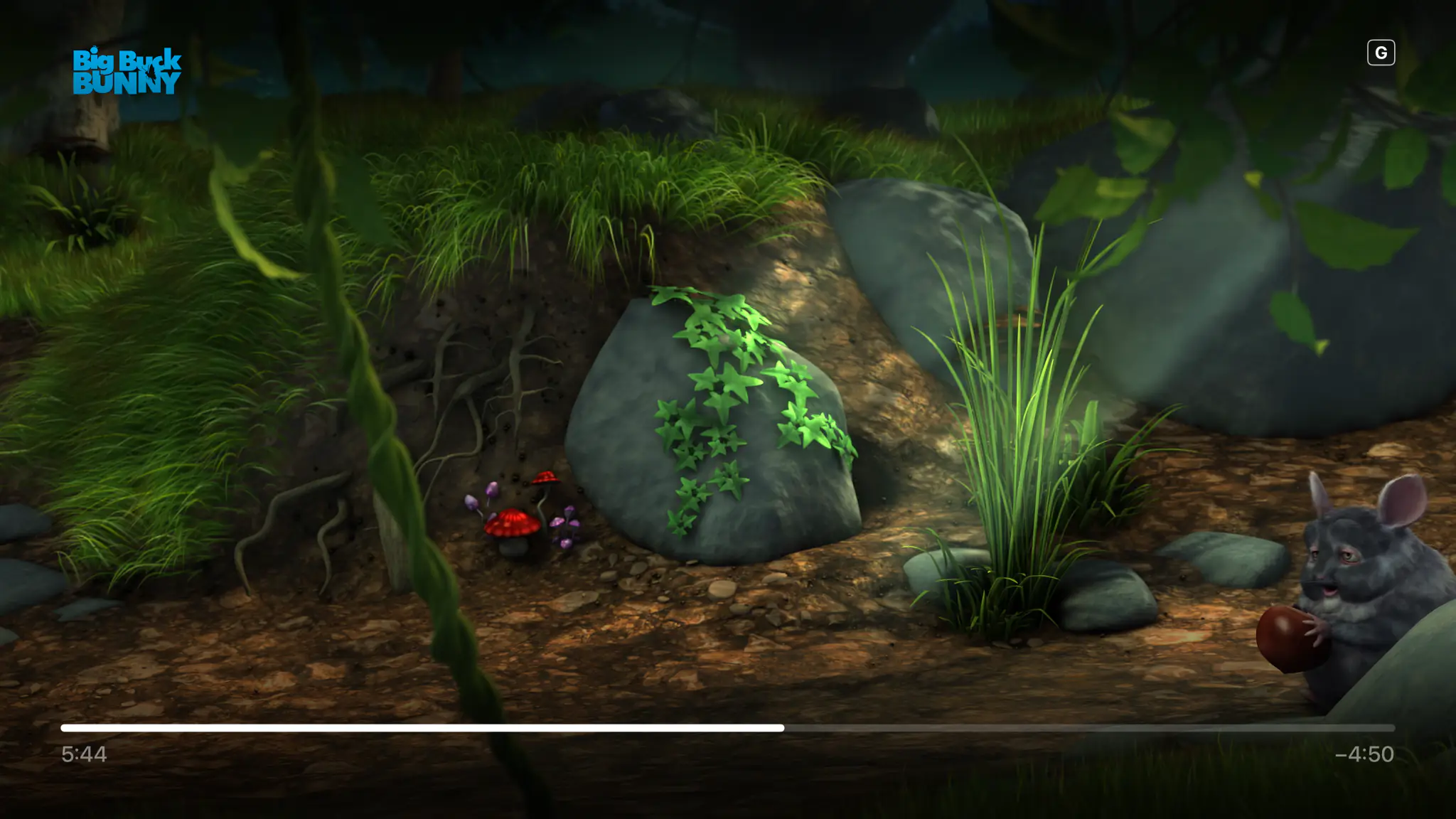
- Dolby Vision
- HDR10+
- HDR10 & HLG
- Dolby Atmos
- TrueHD & DTS
- Direct play
- Apple TV 4K
- No transcoding
Every frame arrives the way it was graded.
On Apple TV 4K, Dolby Vision, HDR10+, HDR10 and HLG go straight to the display. Spectati follows the tvOS Match Content settings, so the TV switches to the right dynamic range and frame rate before the first frame. No tone-mapping detour and no wrong-gamma opening scene.
- Dolby Vision, HDR10+, HDR10 and HLG passthrough on supported hardware
- Match Content for dynamic range and frame rate on tvOS
- High-bitrate 4K remuxes played at full bitrate, not re-encoded
- HDR and format badges shown on titles in your library

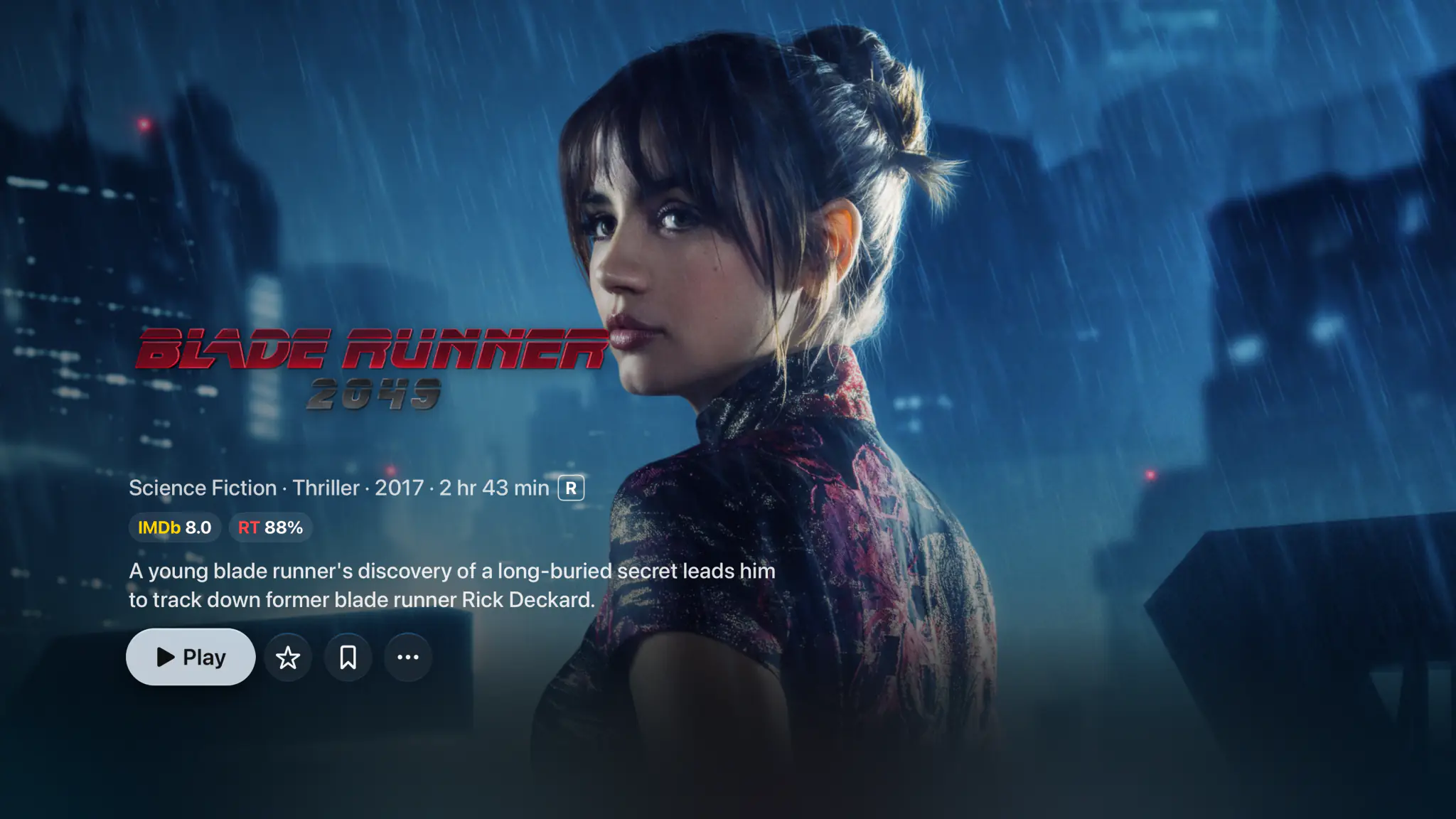
Surround that reaches the receiver as surround.
Dolby Atmos in Dolby Digital Plus reaches the receiver untouched, TrueHD and DTS play as 5.1 Dolby Digital Plus, and TrueHD Atmos and DTS:X keep their height channels on AirPods, HomePods and Atmos receivers. Spectati renders the objects in a TrueHD Atmos or DTS:X track into speaker channels and plays them as Apple Spatial Audio. By default it does this on every Mac and wherever the output reports Spatial Audio or Dolby Atmos: AirPods, HomePods, and Atmos receivers and soundbars, which Apple TV sends it to as Dolby Atmos. To render for a room you know, set Speakers in Settings to 5.1.2, 5.1.4, 7.1.2, 7.1.4 or 9.1.6. It works on films and shows from every source, comes with a subscription, and replaces the lossless track with a high-bitrate lossy encode.
- Dolby Atmos in Dolby Digital Plus, untouched to your receiver
- TrueHD Atmos and DTS:X with their height channels, sent as Dolby Atmos
- Audio and subtitle delay adjustable mid-playback
- Audio track and subtitle choice remembered per title

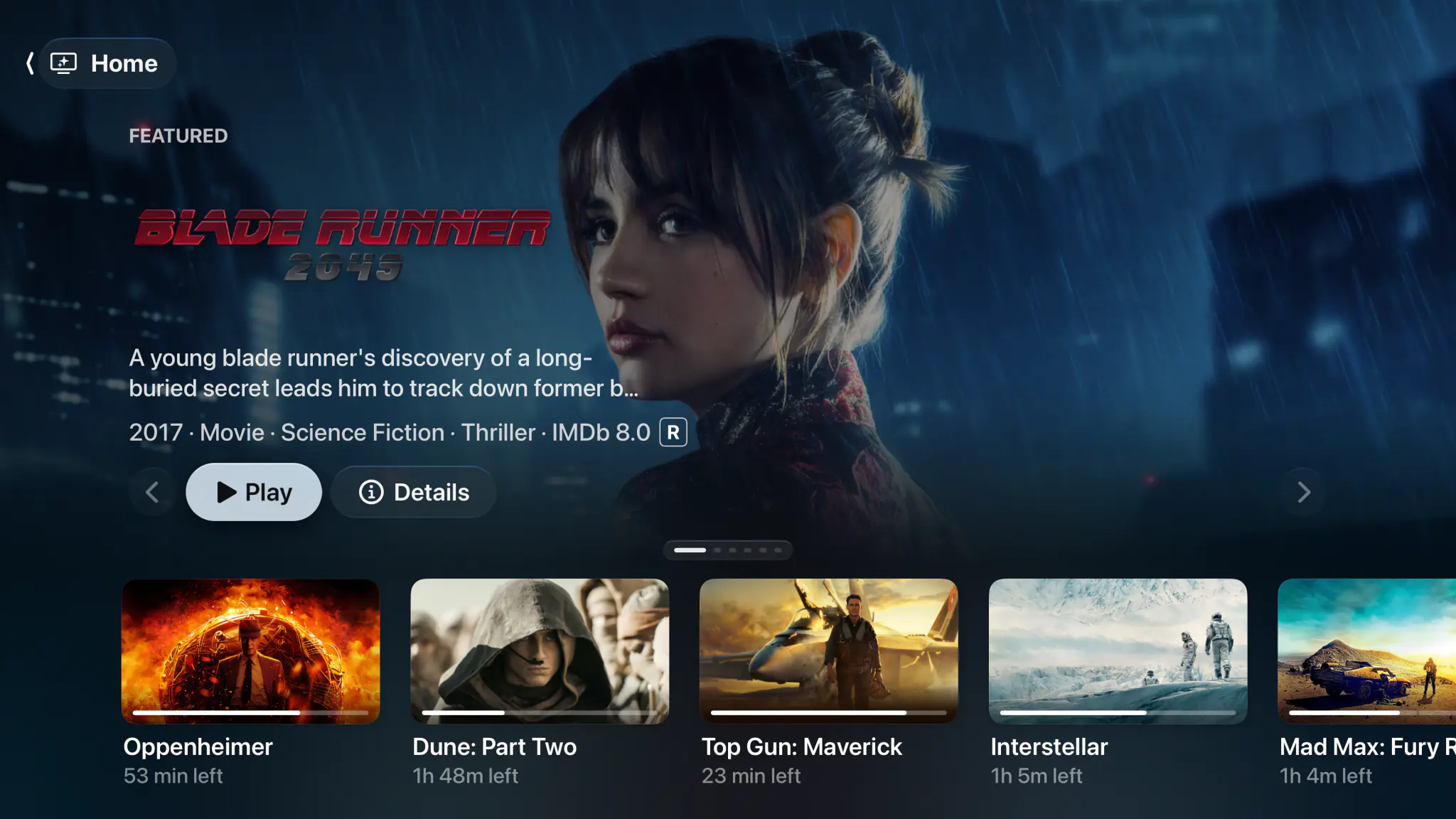
The rest of the spec sheet
The same engine on every Apple device.
Dolby Vision & HDR10+
Dynamic metadata passed to your display on supported Apple TV hardware.
Dolby Atmos passthrough
Atmos in Dolby Digital Plus reaches your receiver with its object mix intact.
Codec breadth
TrueHD and DTS play as surround instead of being skipped.
Match Content
tvOS switches dynamic range and frame rate before the film starts.
Audio delay calibration
Nudge audio or subtitles into sync mid-playback and keep the setting.
Subtitle control
Track selection and styling, with OpenSubtitles fetching where you want it.
Track memory
Preferred audio and subtitle languages applied automatically per title.
AirPlay
Send a title to another room without leaving the app on your Apple TV.
Server-friendly
Direct play keeps your Plex or Jellyfin machine cool and quiet.
Live channels too
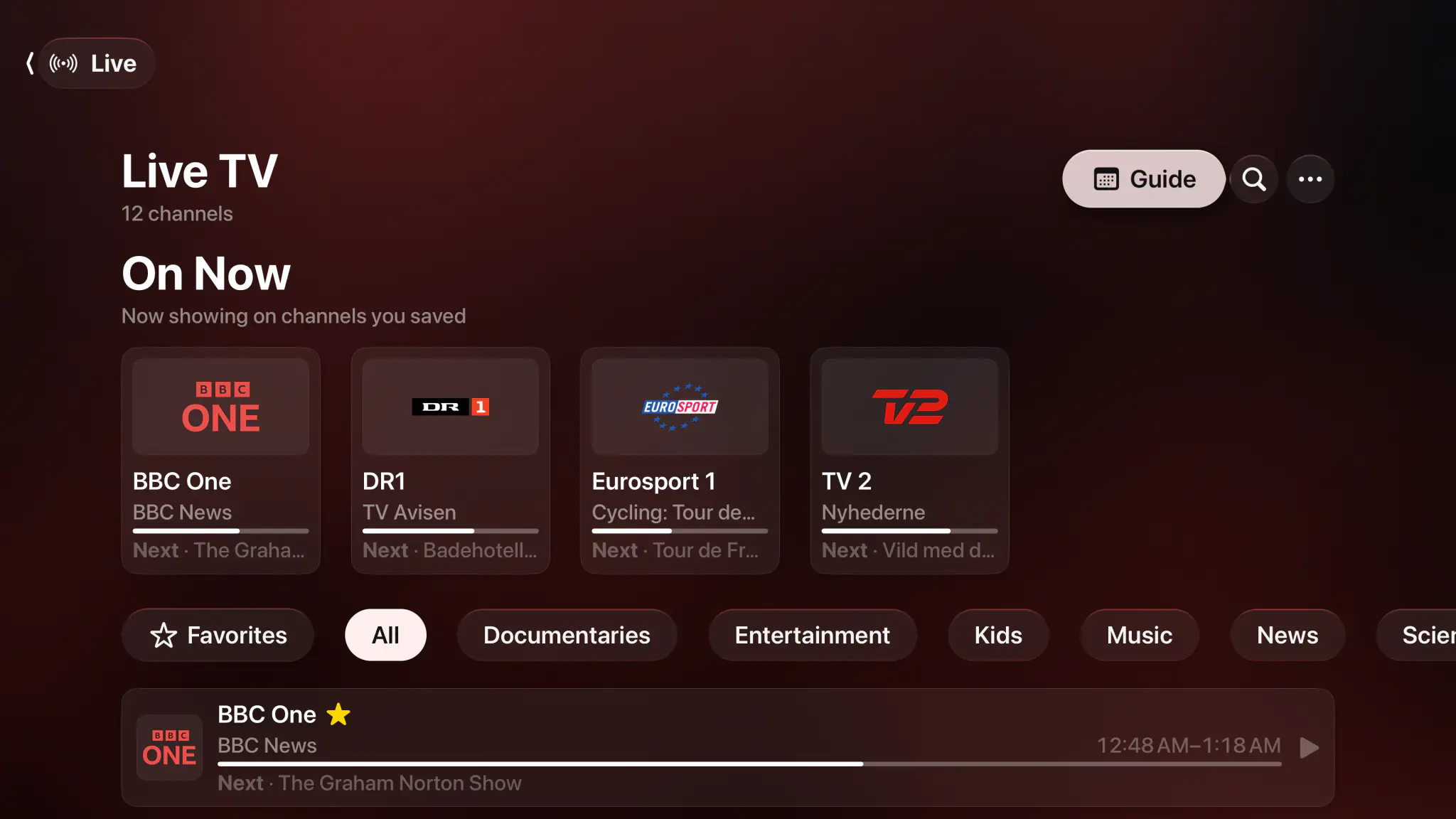
IPTV via M3U or Xtream with an XMLTV guide, in the same app.
Every Apple device
The same engine on Apple TV, iPhone, iPad and Mac. One subscription covers all four.
No ads
Nothing over the picture, free or subscribed.
No transcode, no compromise.
A transcode is a re-encode, and a re-encode is a downgrade. Spectati uses the full Apple media stack with hardware acceleration first and a software fallback for everything else, so an 80 Mb/s remux plays directly from your server while its CPU stays idle.
- Direct play from Plex, Jellyfin and file sources with no server transcoding
- Hardware-accelerated decoding first, software fallback for the rest
- Playback speed, audio mode and subtitle styling under your control
- AirPlay to another room without losing the format chain on Apple TV

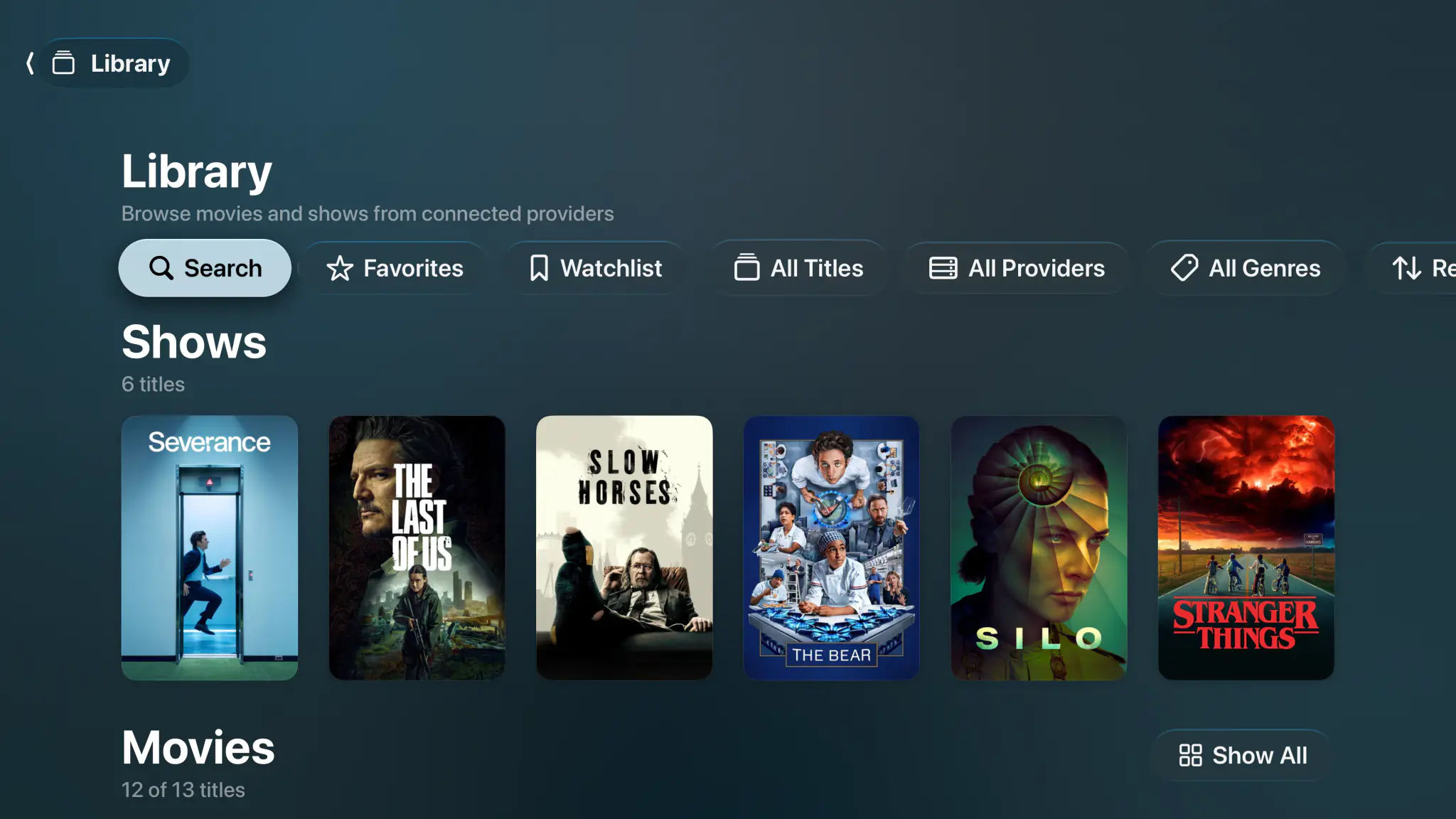
Plex, Jellyfin and IPTV feeding one system.
An engine is only as useful as what you can point it at. Plex, Jellyfin and IPTV playlists connect at the same time, M3U, M3U8 or Xtream with an XMLTV guide. A title that exists in two places shows up once, and it plays from the source you put first.
- Plex and Jellyfin servers connected alongside IPTV playlists
- M3U, M3U8, JSON and Xtream providers with a full XMLTV guide
- Duplicates merged, played from the source you put first
- One home screen, one search and one Continue Watching across all of it

Free to use. Pay only for full quality.
The same engine on every Apple device, and nothing to install on the server. The free tier direct-plays your 4K remuxes with no transcoding, in SDR. HDR and surround sound are what a subscription adds.
Free
No account neededInstall it and press play. There is no trial clock and no card.
- Up to 2 sources at once
- Direct play of 80 Mb/s remuxes, no server transcoding
- Hardware decoding first, software fallback for the rest
- Audio and subtitle delay, playback speed, track memory
- The same file, rendered in SDR
Full quality
OptionalOr $2.99/month, or $99.99 once and never again
- Dolby Vision, HDR10+, HDR10 and HLG to your display
- Atmos in Dolby Digital Plus untouched, TrueHD Atmos and DTS:X with their height channels
- Unlimited sources at once
- Offline downloads and automatic subtitles
- iCloud sync of watch state across your devices
- IPTV catch-up and on-demand
Bought inside the app, whenever you decide you want it. Apple handles it via In-App Purchase, with Family Sharing. Both subscriptions start with a 7-day free trial. Manage or cancel anytime from your Apple ID.
- Unlimited devices
- All providers
- tvOS, iOS, iPadOS and macOS
- Family Sharing
- Cancel anytime
Format questions, answered.
Something we did not cover? Get in touch.
Does Spectati pass Dolby Vision through to my display?
On Apple TV 4K, Spectati passes Dolby Vision, HDR10+, HDR10 and HLG to your display, and follows the tvOS Match Content settings so your TV switches to the right dynamic range and frame rate for the title you started.
Is Dolby Atmos passed through to my receiver?
Yes, when it is carried in Dolby Digital Plus, and where your Apple TV and receiver support it. tvOS cannot send TrueHD or DTS out as a bitstream, so Spectati decodes them and sends 5.1 Dolby Digital Plus instead, so you get surround on any receiver. A TrueHD Atmos or DTS:X track keeps its height channels and objects: Spectati renders them for your speakers and sends them as Dolby Atmos, by itself when the Apple TV reports an Atmos receiver, or to the layout you choose in Settings. Surround output is part of the subscription.
Will it transcode my 4K remuxes?
No. Spectati direct-plays high-bitrate remuxes from Plex, Jellyfin and file sources without server transcoding, so the server does no re-encode, its CPU stays idle, and the picture reaches your screen as it was encoded.
What if my file uses a codec Apple does not decode in hardware?
Spectati uses the full Apple media stack with hardware acceleration first, then falls back to software decoding for the rest, including formats such as DTS and TrueHD that many clients simply refuse.
Can I correct audio that drifts out of sync?
Yes. Audio and subtitle delay are adjustable during playback, along with playback speed, audio mode, subtitle styling and track selection, and your choices are remembered.
Which sources can feed the system?
Plex servers, Jellyfin servers and IPTV playlists via M3U or Xtream, all connected at once. Spectati provides no media itself. You bring the sources you already own or subscribe to.
Your room deserves the whole signal.
Spectati is free on Apple TV, iPhone, iPad and Mac. Connect Plex, Jellyfin or a playlist and watch in SDR for nothing. When you want the HDR and surround chain, the subscription opens it.
Also on Apple TV, iPad and Mac
Requires tvOS, iOS, iPadOS or macOS 26